
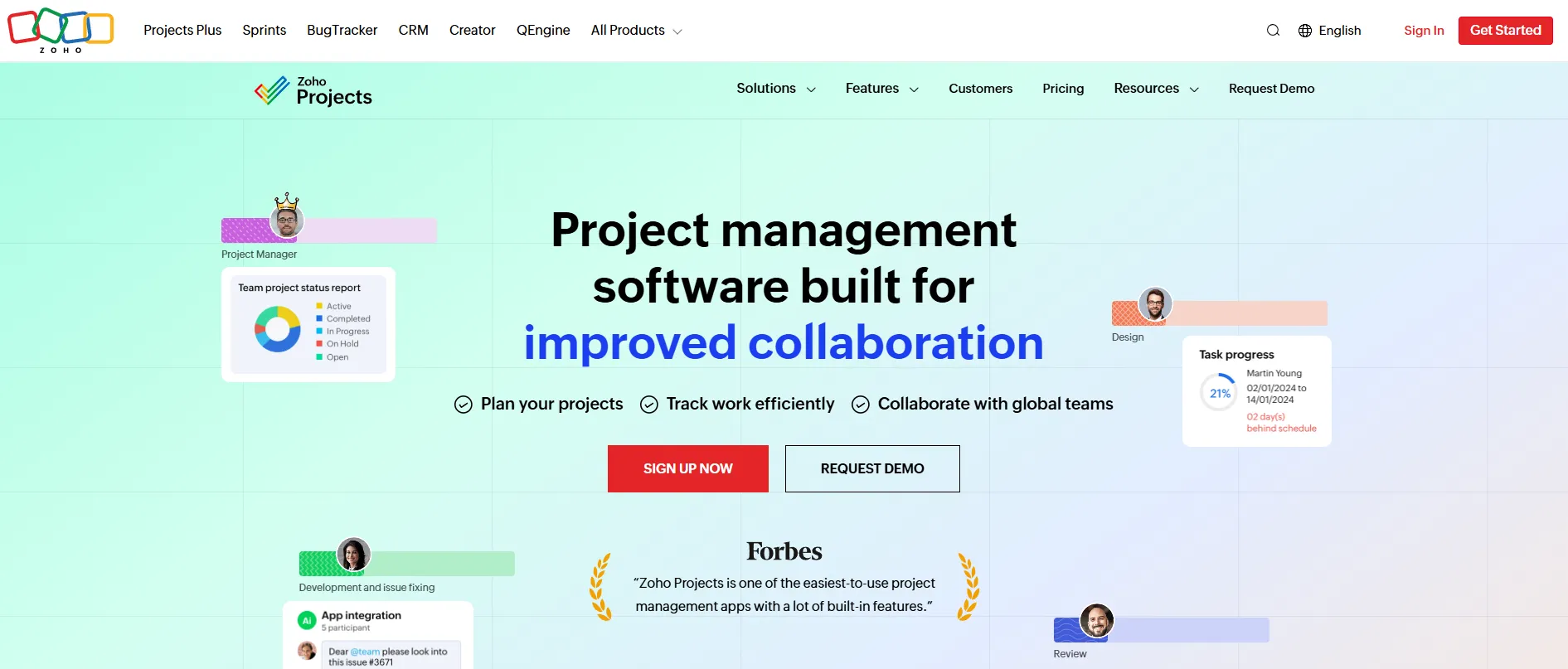
What Is Zoho Projects?
Zoho Projects is a general-purpose cloud project management tool. Solar EPCs, installers and engineering firms use it to schedule jobs, assign crews and track hours and costs across several sites. It has no solar functions: no PV design or yield modeling, no customer proposals, no permit-portal or utility interconnection integration, and no plant monitoring or O&M asset management.
It suits a team willing to build its own job stages from templates, custom statuses and Blueprint approval flows. Small installers can start free; timesheets and budgets need Premium. Installers who want one system for design, proposals and monitoring should look elsewhere.
Pros and Cons
Pros
- Paid plans from $4 per user per month (annual billing).
- All four Gantt dependency types from Premium show what a slipped permit delays.
- Templates, statuses and Blueprint flows adapt to your own job stages.
- Mobile apps for field crews on every plan, including Free.
- Links sale, project and invoice for Zoho CRM and Books users.
- Interface in 25+ languages for teams working across countries.
- Grows from a free 5-user plan to SSO and portfolio dashboards for larger EPCs.
Cons
- Free plan lacks time tracking and budgets and caps automation at 50 runs a month.
- Interface can feel overwhelming due to the large number of available features.
- Portfolio dashboard, critical path, baselines and webhooks need Enterprise or Ultimate.
- No solar-specific tools (design, proposals, monitoring), so every job workflow must be set up and taught in-house.
Features
Task Management and Work Breakdown Structure (WBS)
Organize projects into milestones, task lists, subtasks, and dependencies.
Gantt Charts
Dependencies are finish-to-start only on Free and all four types from Premium; Enterprise and Ultimate add cross-project dependencies, critical path and baselines.
Workflow Automation
Notifications and field updates on status changes; Blueprint (Premium and up) sets who may move a task to the next stage.
Time Tracking and Timesheets
Log hours by hand or with a timer, with multi-level approval for payroll and client billing (Premium and up).
Resource Management
Track team workloads, availability, and resource utilization across projects.
Issue Tracking
Log field issues, defects, safety concerns, and corrective actions.
Document Management
Store permits, engineering drawings and contracts with version history, and send documents for signature via Zoho Sign.
Reporting and Analytics
Task, issue and timesheet reports, plus budget reports with planned vs. actual cost and earned value (Premium and up).
Mobile Applications
iOS and Android apps let field crews update tasks, upload photos and log issues on site.
Zoho Projects Pricing
Free Plan: Up to 5 users, 3 projects and 5 GB storage; no time tracking or budgeting.
Premium Plan: $4/user/month (annual billing) or $5/user/month (monthly billing). Adds unlimited projects, timesheets with multi-level approval, budgeting with earned value and Blueprint.
Enterprise Plan: $9/user/month (annual billing) or $10/user/month (monthly billing). Adds the portfolio dashboard, custom fields and roles, SSO, webhooks and a sandbox.
Ultimate Plan: $14/user/month (annual billing) or $15/user/month (monthly billing). Adds unlimited custom dashboards, multi-user timesheets, 100 read-only users, and 15 GB of storage per user (minimum 150 GB per organization).
Integrations
- Zoho CRM: Sales-to-project handoff and customer management.
- Zoho Books: Invoicing from time logs and project expense tracking (Premium and up).
- Zoho Analytics: Project reports and dashboards in Zoho’s BI tool (Premium and up).
- Zoho Desk: Support tickets become issues in Zoho Projects (Enterprise and Ultimate).
- Salesforce: Connects through Zapier rather than a built-in connector.
- Microsoft Teams: Manage tasks from inside Teams.
- Slack: Project notifications and messaging.
- Google Workspace: Email, calendars, and document collaboration.
- Google Drive, Dropbox, and Box: Cloud document storage and sharing.
- REST APIs and Webhooks: Custom integrations with solar software, GIS systems, ERP platforms and internal tools; webhooks need Enterprise or Ultimate.
How to Set Up Zoho Projects
- Create a Zoho Projects account and select a pricing plan.
- Choose a project template or create a custom workflow.
- Configure project stages, statuses, and task categories.
- Invite team members and assign user permissions.
- Connect CRM, accounting, storage, and collaboration tools.
- Create project milestones and task dependencies.
- Launch your first project and begin assigning work.
How to Use Zoho Projects
Project managers start with a structure that mirrors the installation lifecycle: milestones for site assessment, engineering review, permitting, procurement, installation, inspection and commissioning, each split into assigned tasks. Saved as a template, it becomes the checklist for every new job.
On site, crews open assignments in the mobile app, log hours, attach photos and raise issues such as a damaged module. Managers follow progress on the Gantt chart and reschedule when a permit or delivery slips.
Automation rules alert the next team when a stage closes, such as the install crew once the permit is approved. Budget reports show a job running over on hours or cost before it closes.
What You Can Manage with Zoho Projects
- Solar EPC project schedules and timelines.
- Site surveys and engineering reviews.
- Permitting and compliance workflows.
- Procurement tasks and equipment delivery dates.
- Installation and commissioning activities.
- Team assignments and workload planning.
- Project documentation and drawings.
- Time tracking and labor management.
- Issue reporting and corrective actions.
- Budget monitoring and project analytics.
FAQs
What does Zoho Projects do?
Zoho Projects plans and tracks projects: tasks and milestones on a Gantt chart, timesheets, budgets, issue tracking and approval workflows, with mobile apps for field crews.
Who is Zoho Projects best for?
It fits solar installers, EPCs and engineering firms that want low-cost scheduling, timesheets and budgets and can build their own templates and workflows.
Is Zoho Projects free?
Yes. The free plan covers up to 5 users and 3 projects, and each paid plan has a 15-day free trial with no credit card required.
How much does Zoho Projects cost?
On annual billing, Premium costs $4, Enterprise $9 and Ultimate $14 per user per month; monthly billing adds $1 on each plan.
What are the main limitations of Zoho Projects?
It has no solar-specific tools, so every job workflow is configured by the customer. Time tracking and budgets need Premium; critical path, baselines, webhooks and the portfolio dashboard need Enterprise. The many settings also take time to learn.
What are the best alternatives to Zoho Projects?
General-purpose alternatives include Monday.com, ClickUp, Asana, Smartsheet and Wrike; Microsoft Project and Oracle Primavera suit large programs that need detailed critical-path scheduling.


