
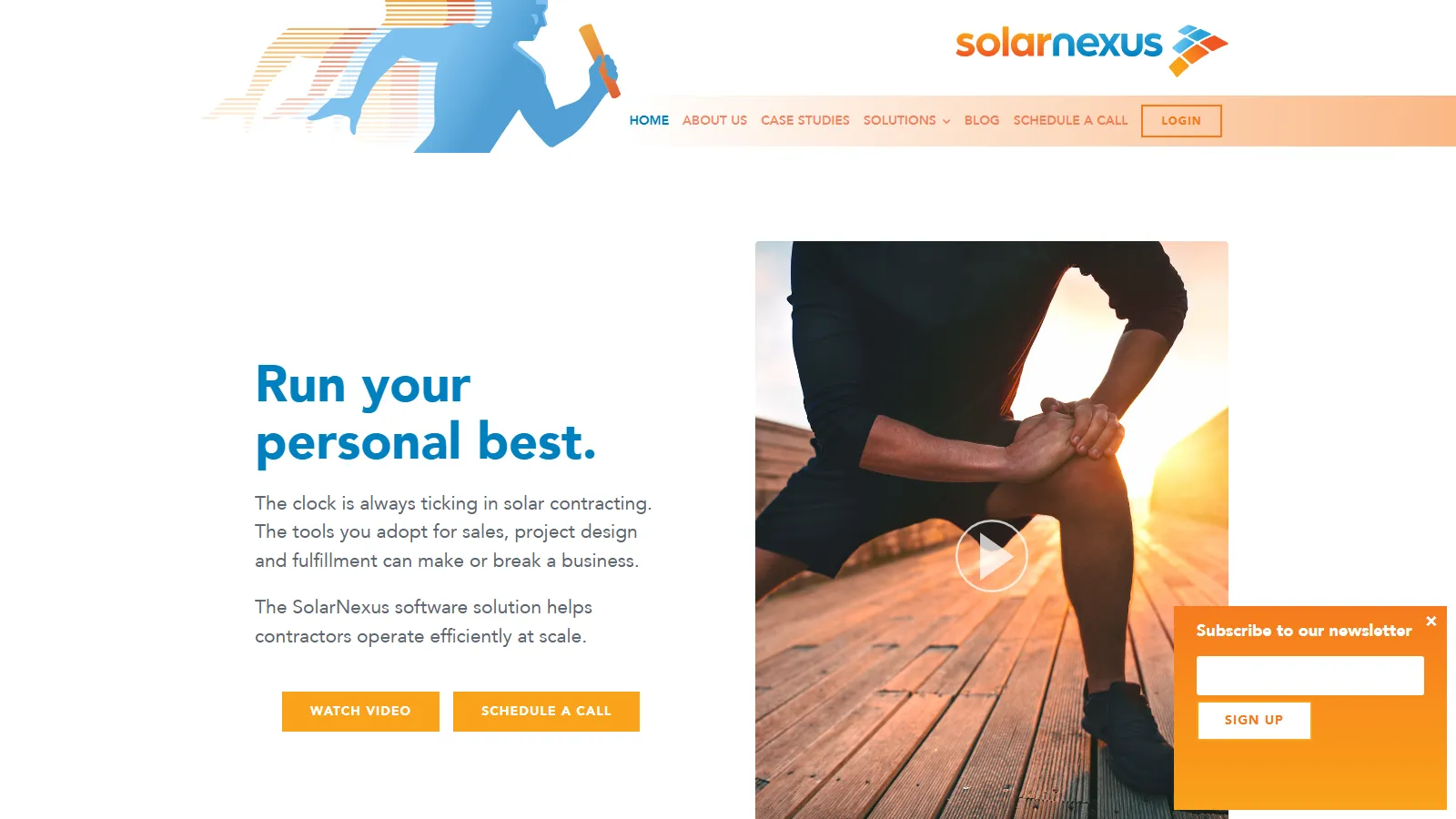
What Is SolarNexus?
SolarNexus is solar business management software co-founded by Michael Palmquist, a California-licensed (C-46) solar contractor, and Eric Alderman, a co-founder of Qumu; the company also developed the IEPModel data standard, a precursor of Orange Button. Since September 2023 SolarNexus has been owned by Solo, a solar sales and design software company based in Lehi, Utah; the product is still sold under the SolarNexus name.
Unlike a general-purpose CRM, it includes what an installer needs to quote: automatic array layout, an hourly energy model and cash-flow analysis. Around that sit proposals, procurement (RFQs and purchase orders), project management and workflow automation through installation, commissioning and service.
SolarNexus is for residential and commercial solar installers who want the lead, the system design and quote, supplier orders and the installation schedule in one web app instead of spread across a CRM, a design tool and spreadsheets.
It is business software, not an engineering package, so utility-scale developers and design engineers will need other tools. It also runs only in a browser: the iOS and Android app has been discontinued.
Pros and Cons
Pros
- One job record from first lead to commissioning, so sales and operations stop re-keying customer and equipment data.
- Layout, energy and savings modeling and pricing sit in the same system as the CRM, so a rep can get from lead to priced proposal without a separate design tool.
- Supports both residential and light commercial project workflows.
- Estimates are built from your own equipment, labor and pricing catalogs, which keeps quotes consistent from rep to rep.
- Leads can be sent to Solo for a designed proposal within 30 minutes or 24 hours, so a small team needs no in-house designer for every quote.
Cons
- No engineering depth: no detailed PV simulation, utility-scale design or electrical studies, so engineering teams still need a dedicated design tool.
- Data risk after canceling: files and job records are deleted once the account goes 120 days without a login.
- Only a starting price is published: $90 per user license per month with a 3-license minimum, so at least $270 a month; prices per edition require a sales call.
- No free trial or self sign-up, so you cannot try it before a sales call.
- Web-only: the iOS and Android app was discontinued, with no replacement planned.
Features
Array Design and Energy Modeling
Auto-generated PV layouts on Google Maps or Nearmap imagery, or on an uploaded image for new construction, plus an hourly energy model of the customer's year.
Cost Estimation
Price each job from your own equipment, labor and pricing catalogs.
CRM and Sales Pipeline Management
Track leads, opportunities, follow-up activities, and customer communications.
Proposals and Documents
Proposals with cash flows (project and financing costs, utility bills, incentives, tax effects), plus generated contracts, bills of materials and project paperwork.
Project Fulfillment Management
Monitor installation progress, project milestones, and service activities.
Procurement
Create requests for quotation and purchase orders for suppliers, per project or in batches.
Reporting and Analytics
Access dashboards and performance metrics across sales and operations.
SolarNexus Pricing
The three paid editions differ in how much of the job they cover.
Lead Manager: Free single-user edition that an account reverts to after canceling a paid subscription; existing data stays visible with most features disabled, and after 120 days without a login the account is archived and its files and job records deleted.
Sales Pro: The full sales toolset, including array layout, energy and cash-flow analysis, cost estimating and proposals, but tracks projects only up to the sale.
Project Pro: Manages jobs from lead to completion but leaves out solution pricing, array layout and the energy and cash-flow analysis, for companies that design and quote in another tool.
All Pro: Everything in Sales Pro plus project management after the sale, through installation and completion.
License Pricing: Paid editions start at $90 per user license per month, with a 3-license minimum and discounts for larger license quantities; billing is monthly or annual.
No Free Trial: New customers cannot sign up on their own; access starts with a demo or sales call.
Integrations
Most lead providers, including EnergySage and SolarReviews, already feed leads into SolarNexus; Skyfire and Verse are also listed among its integration partners.
- Google Maps: Satellite imagery for automatic array layouts without a site visit.
- Nearmap: High-resolution aerial imagery for array layouts; an account admin must buy Nearmap credits first.
- Google Project Sunroof: Solar-potential data for a first read on a roof.
- DocuSign: E-signatures on proposals and contracts.
- Verse: Automate lead qualification and customer engagement processes.
- Genability (now Arcadia): Calculate utility bills and savings from utility rate data.
- Zapier and API: Connect other applications through the SolarNexus Zapier app, webhooks and the SolarNexus API.
How to Set Up SolarNexus
- Schedule a consultation to assess business requirements.
- Choose an edition: Sales Pro, Project Pro or All Pro.
- Configure equipment catalogs, pricing structures, and labor rates.
- Add users and assign roles and permissions.
- Customize project workflows, milestones, and task templates.
- Connect third-party integrations such as DocuSign and mapping services.
How to Use SolarNexus
A rep enters the lead, or it arrives from a lead provider, logs calls and follow-ups in the CRM, then lays out the array and runs the energy and savings model. Proposal tools turn that into a priced quote and contract using the equipment and labor catalogs.
Once the contract is signed, operations work from the same job record: they schedule the installation, assign tasks, send RFQs and purchase orders to suppliers and track milestones through commissioning. Managers follow sales conversion and project completion rates on the dashboards.
What You Can Manage with SolarNexus
- Customer Pipelines: Track prospects from initial inquiry through project completion.
- Equipment Catalogs: Maintain centralized databases of products, pricing, and specifications.
- Storage and Efficiency Upgrades: Batteries and efficiency measures modeled hour by hour alongside PV production.
- Project Schedules: Manage installation milestones, crews, and deadlines.
FAQs
What does SolarNexus do?
It runs a solar installer's work from lead to finished install in one web app: CRM, array layout with energy and savings modeling, proposals, procurement and project tracking.
Who is SolarNexus best for?
Residential and commercial installers that want sales and operations in one system. Three licenses is the minimum purchase, so a one- or two-person shop still pays for three, and utility-scale developers and engineering teams are better served by dedicated design tools.
Is SolarNexus free?
No. New customers need a paid edition. The free Lead Manager edition is only a limited single-user mode for accounts that cancel a paid subscription, with most features disabled.
What are the main limitations of SolarNexus?
The platform focuses on business management rather than advanced engineering analysis. It is not intended for detailed photovoltaic simulations, utility-scale design, or electrical engineering studies.
How much does SolarNexus cost?
Paid editions start at $90 per user license per month, with a 3-license minimum and volume discounts. The final cost depends on the edition and the number of licenses, and subscriptions can be billed monthly or annually.
What are the best alternatives to SolarNexus?
Popular alternatives include Aurora Solar, Enerflo, JobNimbus, OpenSolar, HelioScope, and other solar CRM, sales, and project management platforms. Aurora Solar and HelioScope can also work alongside it: upload an image of the design, enter the arrays and equipment, and price and propose the job in SolarNexus.


