
What Is Solargis Prospect?
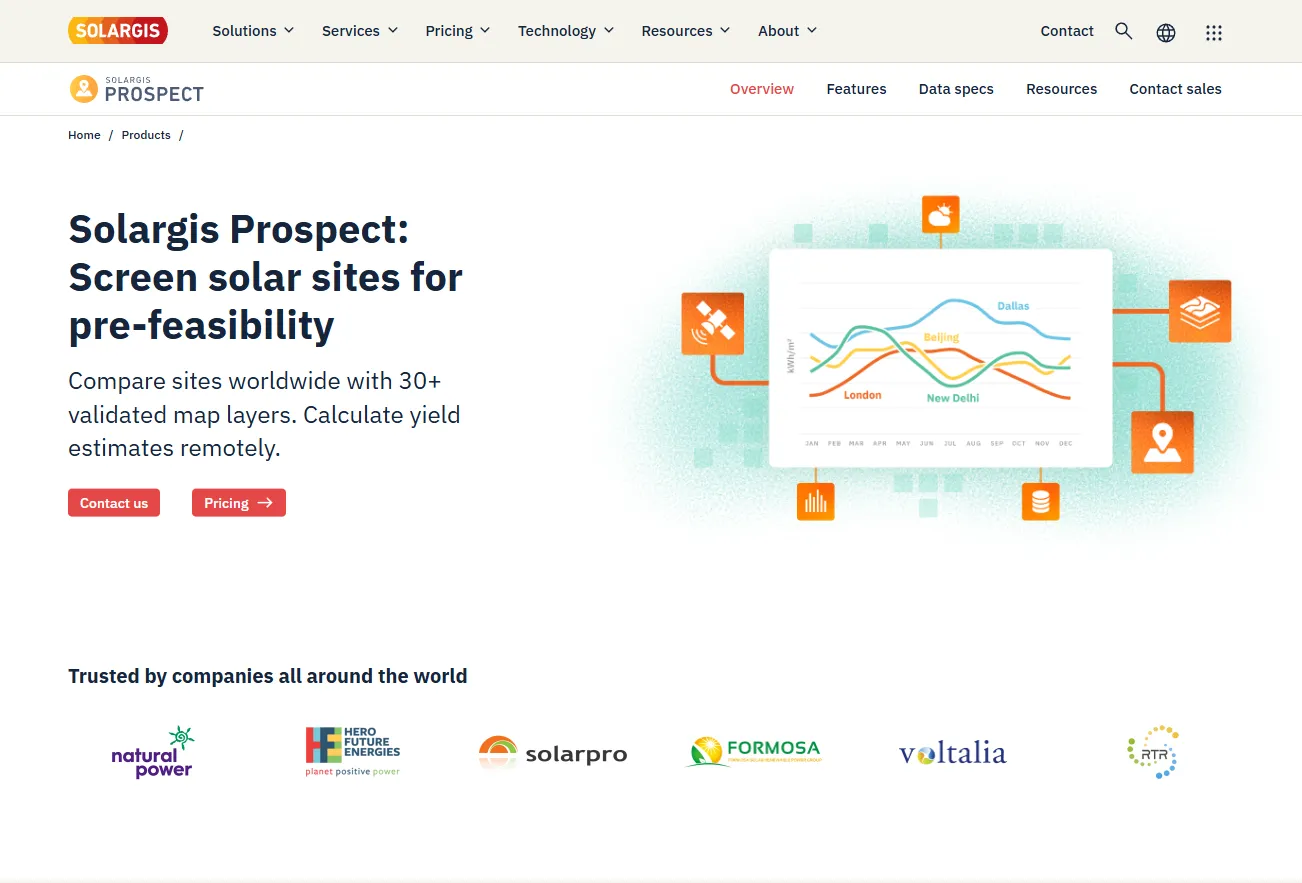
Solargis Prospect is a cloud-based solar site assessment and GIS platform developed by Solargis. It is the successor to pvPlanner and iMaps, the earlier Solargis apps that Prospect replaced when it launched in 2019.
Its data are monthly long-term averages plus 24×12 hourly profiles for some parameters, not time series or TMY files. Solar records start as early as 1994, depending on the region, and run to the end of 2025; they cover land between 60°N and 56°S, extended to 65°N in Scandinavia and the Americas.
Solargis Prospect is for the stage when a developer has dozens of candidate sites and the budget to study only a few in detail. For a chosen location it returns long-term solar and weather averages, GIS map layers on terrain and environmental risk, and a first PV yield estimate, enough to cut a long list down to a shortlist.
Basic suits small teams on C&I and rooftop projects with fixed-tilt systems; Professional is aimed at utility-scale developers working with trackers, bifacial modules or floating solar. Prospect is not a design or bankability tool: layouts, detailed shading, electrical design and P50/P90 reports belong in Solargis Evaluate, PVsyst or PV design software.
Pros and Cons
Pros
- Validated data that stay compatible with later project stages in Solargis Evaluate.
- Up to 30 years of data history behind each long-term average, with a new release every year.
- Candidate sites can be compared without site visits or local consultants.
- Shareable PDF reports in 15+ languages on every plan.
- Risk layers flag corrosion, hail and wind exposure before detailed studies.
Cons
- Annual plans only, from €2,400: steep for a consultant screening a few sites.
- Hourly PVsyst runs need time series or TMY data bought separately, such as from Solargis Evaluate.
- Trackers, floating solar, bifacial albedo and the full layer list need the €4,800 Professional plan.
- No layout, near shading, electrical design or P50/P90 output.
- CSV data cannot be shared with clients or partners below the Enterprise plan.
Features
Solar Resource Maps
GHI, DNI, diffuse share, optimum-tilt irradiation and variability, at 250 m resolution.
Meteorological Data
Air temperature, wind speed, relative humidity, precipitation, precipitable water and snow days at up to 1 km resolution.
Environmental Risk Layers
Corrosion rate, UV, expected operating temperature extremes, hail days, p99 wind gusts and soiling loss.
PV Energy Simulator
Theoretical and lifetime yield for fixed-tilt, 1-axis tracker and floating systems, with a loss diagram.
Project Comparison and Economics
Compare saved sites side by side and run a first economic check.
Terrain and Horizon Analysis
Elevation, slope, aspect and terrain-horizon shading from 90 m elevation data.
Exportable Reports and Data
PDF reports in 15+ languages, XLSX reports, CSV data and .HOR horizon files.
Solargis Prospect Pricing
All plans are annual; higher tiers add users, projects, PV system types and meteorological parameters.
Basic Plan: €2,400 per year for up to 5 users and 500 new projects a year, with PV modeling for fixed-tilt systems only.
Professional Plan: €4,800 per year, the plan Solargis labels most popular, for up to 10 users and 1,000 new projects a year, adding 1-axis trackers, floating solar, albedo data for bifacial gain, and humidity, rainfall and snow-day data for loss estimates.
Enterprise Plan: Quote-based, with unlimited users, custom project numbers, a dedicated account manager and custom contracts.
Data Sharing: PDF reports may be shared with third parties on every plan; CSV data only on Enterprise, by agreement.
Integrations
Prospect hands data on through file downloads; several connections below run through other Solargis products rather than Prospect.
- PVsyst: Imports Prospect's monthly CSV, the .HOR horizon file and albedo values from the XLSX report.
- HelioScope: Solargis TMY and time-series files ready for HelioScope come with a Solargis Evaluate data subscription, not with Prospect.
- AutoCAD: Prospect has no CAD export; AutoCAD-ready DXF layouts are exported from the Energy System Designer in Solargis Evaluate.
- Solargis API: The separate Solargis LTA API delivers long-term averages as XML over REST.
- Solargis Evaluate: Adds time series, TMY data, 3D design and bankable P50/P90 assessments for shortlisted sites.
- Solargis Monitor: A separate Solargis product for real-time PV output assessment once the plant is operating.
How to Set Up Solargis Prospect
- Create a free private account on the Solargis applications page.
- Buy a Basic or Professional plan in the Solargis store.
- Switch to the company account that holds the subscription.
- Search for a site by name or coordinates and save it as a project.
- Open the project and configure its PV system.
How to Use Solargis Prospect
A typical session starts on the Map page: switch between more than 30 map layers to scan a region for irradiance, slope, land cover, climate and risk, then save the most promising points as projects.
Set each project's PV configuration to get a yield estimate and optional financial analysis, then compare the strongest candidates side by side. Generate reports last: Prospect deletes them whenever the configuration changes or a yearly data update is applied.
What You Can Manage with Solargis Prospect
- Project Portfolios: Label, filter, archive and reassign projects; export several sites to CSV at once.
- Site Selection Analysis: Check land cover, terrain slope and population density alongside the solar resource.
- Preliminary Yield Estimates: Specific yield (kWh/kWp) and total output (MWh) for each project.
- Stakeholder Reporting: Pre-feasibility reports for investors, partners and internal go/no-go decisions.
FAQs
What does Solargis Prospect do?
It screens candidate solar sites before feasibility work, with long-term solar and weather averages, risk maps, a PV yield estimate and side-by-side site comparison.
Who is Solargis Prospect best for?
Developers, investors and consultants who shortlist sites before commissioning feasibility studies, from small C&I and rooftop teams on Basic to utility-scale pipelines on Professional.
Is Solargis Prospect free?
No. A free account only opens the app; paid features need an annual plan. Solargis has offered one-site free trials, but current terms are not published.
How much does Solargis Prospect cost?
Basic costs €2,400 per year but models fixed-tilt systems only; Professional, needed for trackers, bifacial and floating projects, costs €4,800 per year. Enterprise is priced on request.
What are the main limitations of Solargis Prospect?
It stops at pre-feasibility: monthly averages instead of time series or TMY, and no layout, electrical design or P50/P90 output.
What are the best alternatives to Solargis Prospect?
For resource checks: the free Global Solar Atlas (built by Solargis for the World Bank Group), PVGIS, Meteonorm, SolarAnywhere and Solcast. For land screening: Glint Solar and PVcase Prospect. Aurora Solar, HelioScope and RatedPower are design tools for later stages.


