
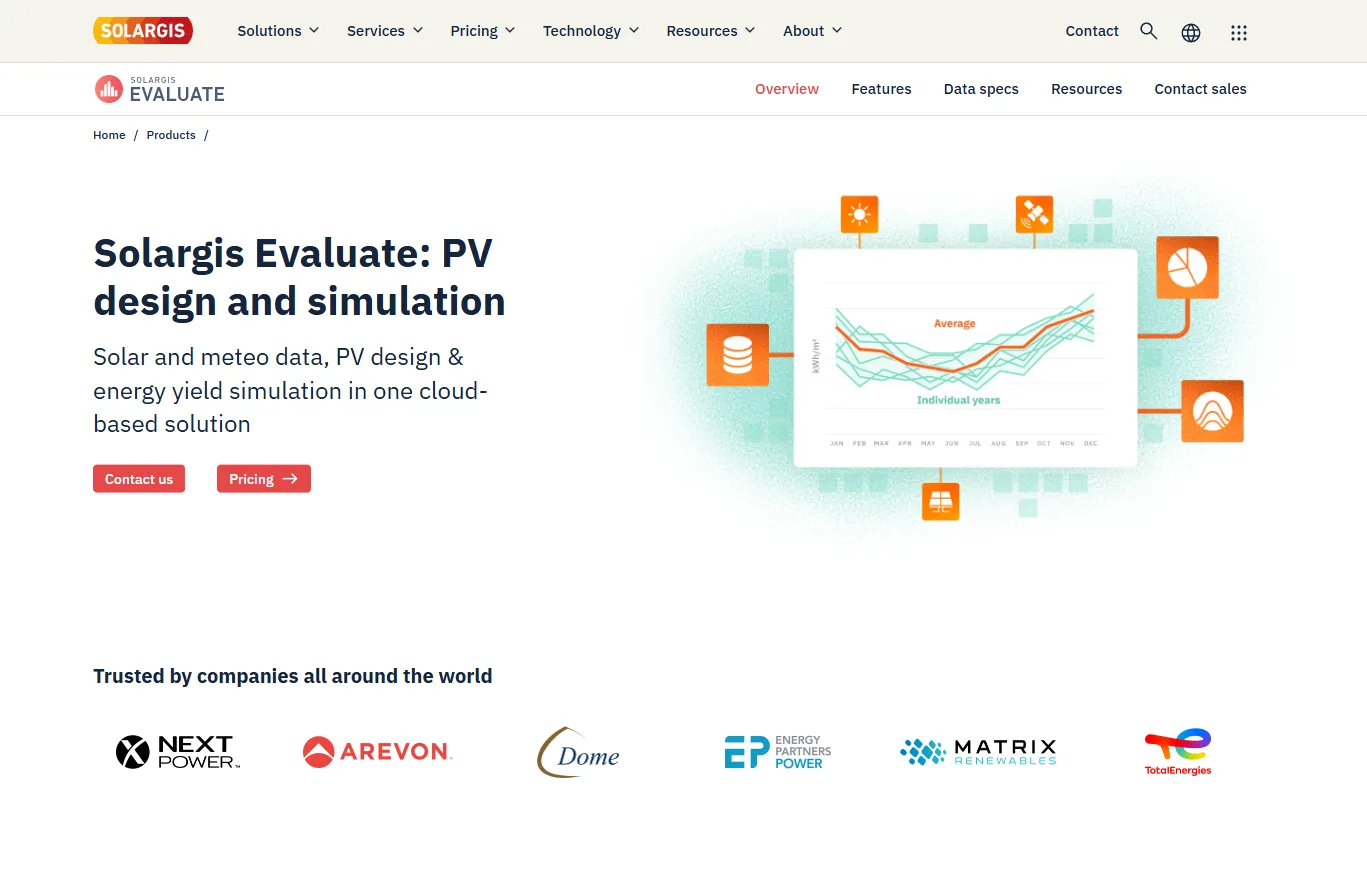
What Is Solargis Evaluate?
Solargis Evaluate is a cloud-based solar resource assessment, PV design and energy yield simulation platform from Solargis, a Slovak solar data company founded in 2010.
Each project is activated in one of two stages. Early stage uses TMY P50 data and produces a PV simulation technical note for screening. Full evaluation adds the 15-minute Time Series, uncertainty estimates and the PV energy yield assessment report that lenders review.
Solargis Evaluate keeps a project’s solar data, 3D plant design and energy yield simulation in one browser-based tool, so the first layout and the bankable report rest on the same Solargis data. The usual alternative is buying data from one provider, drawing the layout in another tool and importing weather files into a desktop simulator, with version mismatches to manage at every handoff.
It is built for developers, EPCs, technical advisors and investors working on utility-scale ground-mount plants and, since rooftop design was added, C&I roofs. Access is a sales-led annual subscription with no free tier, so it does not suit residential installers or anyone who needs one quick site estimate; Solargis Prospect covers that.
Pros and Cons
Pros
- Solar data ranked first in the IEA PVPS 2023 benchmark of modeled irradiance, according to Solargis.
- 30+ years of 15-minute Time Series behind the yield estimate, not a single typical year.
- One dataset from screening to bankable report, with no weather files to reconcile.
- Ray-traced bifacial and terrain-aware tracker modeling for uneven sites.
- Cloud GPU processing runs large, terrain-complex simulations in minutes rather than hours, per Solargis.
- Electrical layout, cable sizing and CAPEX in the same tool as the yield model.
Cons
- The €12,000 entry plan pays off only with a steady pipeline of utility-scale or C&I projects.
- Loss and uncertainty settings need an experienced yield engineer to get right.
- No free tier or public trial; access goes through Solargis sales.
- Not a construction-level CAD tool, although PV layouts can be exported to DXF for further engineering.
- Only one price is published; larger SGU packages and add-ons are quoted by sales, and unspent SGU carries over only when the subscription is renewed without a break.
Features
15-Minute Historical Time Series Data
More than 30 years of 15-minute solar and weather data, irradiance at 90 m resolution, and 1-minute data as an add-on.
3D Energy System Designer
Lay out ground-mount and C&I rooftop arrays on terrain or drone elevation models, with collision detection and a real-time design validator.
Bifacial Modeling
Monte Carlo backward ray tracing calculates front and rear irradiance at cell level, with albedo set per segment and month.
PV Components Catalog
Commercial modules and inverters, plus your own components added through the API.
Automated Bankable Reporting
Digitally signed reports with a plant layout that a third party can match to the yield, bill of materials and CAPEX.
Horizon and Near-Shading Analysis
Assess shading impacts from terrain features and nearby structures.
Probability of Exceedance Analysis
P50 in every project; GHI/DNI uncertainty and P90 or other Pxx values can be requested for Full evaluation projects.
Solargis Evaluate Pricing
There is one subscription tier with a 12-month term; plans differ only in the number of prepaid Solargis units (SGU).
Demo Access: Demonstrations are available on request, and sample reports and data can be downloaded from the Solargis website.
Standard Subscription: The published plan costs €12,000 and includes 60 Early Stage projects.
Project-Based Licensing: Projects are activated with prepaid Solargis units (SGU), and each project includes unlimited designs and 15-minute TMY P50 simulations.
Full Evaluation Upgrades: Upgrading an Early stage project to Full evaluation costs additional SGU.
Team Collaboration: The subscription includes an unlimited number of collaborators for every project.
Premium Add-Ons: Pxx TMY datasets, 1-minute data and Solargis services such as site adaptation to ground measurements are ordered separately.
Integrations
Evaluate connects to other tools mainly through file exports and the shared Solargis platform.
- Solargis API: Access solar resource and meteorological data programmatically.
- PVsyst Compatibility: Export TMY files in PVsyst format and the design as a .pvc file; TMY files for NREL SAM and HelioScope are also available.
- CSV, JSON and Excel Exports: Download simulation data as CSV or JSON and the bill of materials as an Excel file.
- Solargis Monitor: A separate Solargis product for assessing plant output once a project is operating.
- Solargis Prospect: Compare candidate sites during site selection, then import the chosen project into Evaluate.
- GIS and CAD Files: Import KML objects and GeoTIFF terrain; export layouts as DXF, KML, GeoJSON or Collada 3D.
How to Set Up Solargis Evaluate
- Request a subscription or demonstration from Solargis.
- Log in to Solargis Home and select your company account.
- Create a project from coordinates or interactive mapping tools, or import it from Solargis Prospect.
- Activate the project as Early stage or Full evaluation using Solargis units (SGU), then configure the energy system.
- Invite team members and establish collaboration permissions.
- Set cabling, degradation, soiling and snow losses, then run the simulation and create the report.
How to Use Solargis Evaluate
A typical project starts in Early stage: the team tests layouts, fixed-tilt or tracker options and inverter configurations against unlimited TMY P50 simulations, while the bill of materials shows how each change moves CAPEX.
When the project heads for financing, it is upgraded to Full evaluation. Engineers finalize the layout and electrical design, add snow and soiling losses and rerun the simulation on the Time Series to produce the energy yield report with uncertainty and, if requested, P90 values. TMY files can still be exported for a cross-check in PVsyst or NREL SAM.
What You Can Manage with Solargis Evaluate
- Solar Resource Assessments: Analyze GHI, DNI and GTI alongside temperature, wind, snow and albedo.
- PV System Designs: Electrical layouts with inverter setup, transformer placement and cable sizing to IEC 60287.
- Energy Yield Simulations: Cell-level electrical modeling and terrain-aware tracker backtracking.
- Loss Analysis: Monthly loss breakdowns, with snow and soiling losses simulated by the Solargis model rather than entered as a flat percentage.
- Bill of Materials: Assign unit prices and see total CAPEX update as the layout changes.
- Project Portfolio: Sort all projects by GHI, capacity, performance ratio or stage, with labels and filters.
FAQs
What does Solargis Evaluate do?
It takes a solar project from a first P50 yield estimate to a bankable energy yield report, with solar data, 3D and electrical design, and yield simulation in one tool.
Who is Solargis Evaluate best for?
It suits developers, EPCs, technical advisors and lenders’ engineers on utility-scale plants or C&I rooftops who need a yield estimate that holds up in due diligence. It is not meant for residential installers.
Is Solargis Evaluate free?
No. The published subscription is €12,000 for 12 months with 60 Early Stage projects. Demos are available on request, and sample reports and data can be downloaded free.
What are the main limitations of Solargis Evaluate?
The main ones are the €12,000 entry price with no public trial, a learning curve on loss and uncertainty settings, and no construction-level CAD: detailed engineering continues from a DXF export.
What are the best alternatives to Solargis Evaluate?
The usual alternatives are PVsyst and SolarFarmer for energy yield simulation, PVcase for utility-scale layout, HelioScope for commercial design, and Aurora Solar for residential and smaller commercial projects.


