
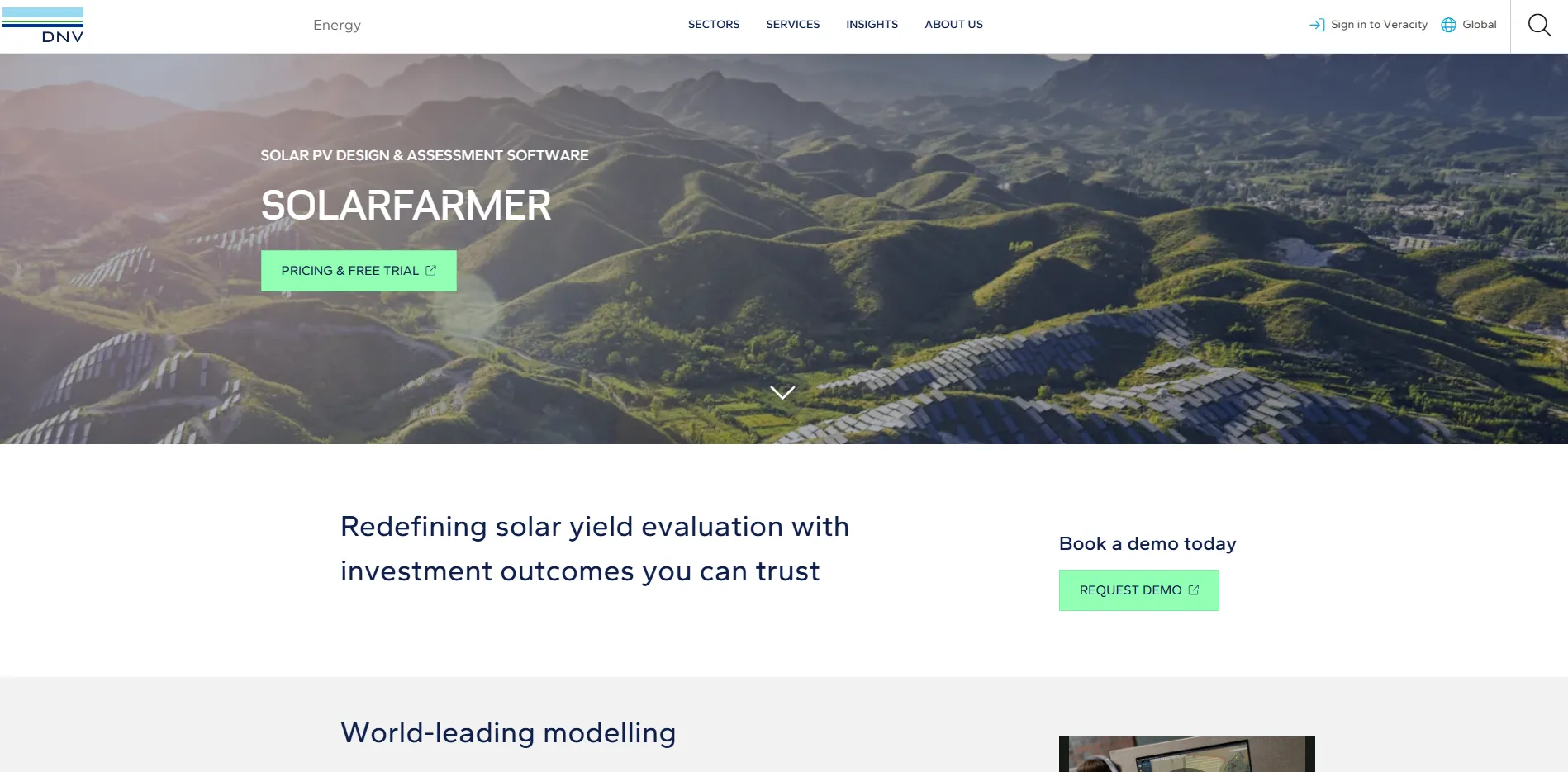
What Is SolarFarmer?
DNV, then DNV GL, launched SolarFarmer in 2019 as a Windows desktop application that takes a project from early site screening to a finance-grade energy assessment. Major releases come about twice a year; version 1.8 arrived in July 2026.
Calculations run on the workstation or, with an API token, in DNV’s SolarFarmer Web Service, which adds computing power for large sites and batches of runs and supports a few features the desktop lacks. The main results are net grid energy (MWh), specific yield (kWh/kWp) and performance ratio.
SolarFarmer is DNV’s software for designing a utility-scale PV plant and calculating its energy yield in one model: it lays out fixed-tilt racks or trackers on the real terrain and runs DNV’s validated, physics-based yield simulation on the result. In 2024 DNV said it would use SolarFarmer for all of its future solar financing due diligence.
It is aimed at developers, EPC contractors, engineering consultants and the technical advisors who check yield for investors and lenders. It pays off most on hilly or irregular ground-mount sites, where slopes and 3D shading analysis move the energy figure that financing rests on. It is not for residential or rooftop installers and sales teams (no proposals, pricing or customer tools), Mac-only users, or teams that need earthworks, grading or detailed CAD and electrical drawings.
Pros and Cons
Pros
- Yield figures carry weight with lenders: DNV’s own validation puts results within 0.1% of site measurements, with 30% lower uncertainty across sites.
- Hilly, irregular sites are modeled as they are, with trackers following the ground, instead of being approximated as flat, which matters more as projects move onto harder terrain.
- Layout and yield live in one model, so each design change can be re-simulated without exporting to a separate yield tool.
- Tracker-ready: built-in tracking and backtracking algorithms, plus import of tracker position time histories, so proprietary tracker algorithms can be modeled.
- Auto fill and scripting make it practical to test 100+ layout and equipment variants instead of a few hand-built ones.
- Scales beyond one workstation: cloud runs and the Web API let teams batch many calculations or plug the engine into in-house tools.
Cons
- Steep learning curve for new users.
- Windows only: there is no native Mac version, so Mac users need a virtual desktop such as Parallels.
- No public prices, so budgeting needs a sales conversation, and the shortest paid term is three months.
- No proposal, pricing or customer tools, so it does not serve residential or small commercial sales work.
- No earthworks or grading design and no detailed CAD or electrical drawings, so construction documents still need a CAD-based tool.
Features
3D Shading and Terrain Modeling
Besides row-to-row shading, the 3D mode models shading from buildings and other nearby objects and, for fixed-tilt racks, from the terrain itself.
Automated Layout Generation
Auto fill places racks or trackers row by row inside layout regions, keeping setbacks and exclusion zones; trackers can follow the terrain, and inverter blocks can be replicated across large sites.
Bankable Yield Simulation
DNV’s physics-based model calculates full electrical mismatch, down to sub-module level, on sites of any size.
Sub-Hourly Energy Analysis
Run sub-hourly and multi-year climate series, horizontal or plane-of-array, to capture inverter clipping and short-term weather swings.
Bifacial Module Modeling
Estimate rear-side irradiance and bifacial gain with a view-factor model.
Scripting and API Support
Use the built-in script editor to batch calculations, for example pitch and tilt sweeps or hitting a DC-capacity target, and send them to the cloud engine.
Technical Documentation and Support
A public online user guide, release notes and direct support from DNV’s team.
SolarFarmer Pricing
DNV publishes no prices: its Veracity store lists only the free trial and a “Speak with us” contact, so paid licenses are quoted.
Free Trial: 14 days with the software itself; a separate demo can be booked.
Short-Term Licenses: Flexible 3-month subscription options for project-specific needs.
Annual Subscriptions: Standard licensing for ongoing engineering operations.
Standalone Licenses: Single-user licenses; DNV support can move a license to another team member up to four times a year.
Network Licenses: Shared licensing for teams using local, regional, or global servers.
Academic Licenses: Discounted licenses are available for researchers.
Integrations
Apart from the weather downloads and the Web API, integration is file-based: SolarFarmer reads PAN and OND files for modules and inverters, imports common CAD and GIS formats, and exports layouts to PVsyst, PVC and PVC2.
- CAD and GIS Data: Import Shapefile and KML/KMZ regions, DWG/DXF and other vector backgrounds, elevation and contour data, raster imagery, Collada 3D models, and horizon files from PVsyst, Solargis or Meteonorm.
- Weather Data Providers: Download solar resource data directly from the Solcast API (Solcast is a DNV company) and PVGIS, or import other common solar resource file formats.
- Solesca Platform: The independent Solesca solar design platform has integrated the SolarFarmer API, so its users can run SolarFarmer energy simulations without leaving Solesca (since September 2025).
- Google Earth Export: Export the rack and tracker layout for review in Google Earth.
- Word Reporting: Generate energy assessment reports in Word (standard, or extended with all inputs and settings); yield results and loss data also export to CSV and TSV.
- Web API: Connect in-house tools to the cloud engine through the SolarFarmer Web API, using an API token from the SolarFarmer Web Service.
How to Set Up SolarFarmer
- Start the 14-day trial or buy a subscription in DNV’s Veracity store.
- Download the installer from the SolarFarmer Knowledge Centre and install it on a Windows PC; DNV recommends a multi-core CPU, 16 GB+ RAM and an NVIDIA Quadro K600-class graphics card.
- Activate the desktop license; for cloud runs, get an API token from the SolarFarmer Web Service (a Veracity account is needed) and enter it in Preferences.
How to Use SolarFarmer
A project starts with the site: terrain, boundaries, exclusion zones, horizon and solar resource data. The engineer then draws layout regions, each with its own tilt, azimuth and rack or tracker system, and fills them automatically.
Next come the modules, inverters and electrical configuration (inverter blocks, transformers and stringing). The energy calculation, run locally or in the cloud, produces yield tables and a loss (effects) diagram; engineers compare layout and equipment variants, then issue a Word report for the financing or engineering file.
What You Can Manage with SolarFarmer
- Energy Yield Assessments: Produce bankable annual, monthly and multi-year energy yield estimates.
- Terrain Optimization: Assess slopes and site constraints, with automatic slope exclusions.
- Technology Comparisons: Evaluate different module, inverter, and tracker options.
- Financial Modeling Inputs: Supply the energy figures for LCOE and investment models, which are built in other tools.
FAQs
What does SolarFarmer do?
It lays out utility-scale PV plants with fixed-tilt racks or trackers on the site’s terrain, models shading in 2D or 3D, calculates energy yield with DNV’s physics-based model and documents the result in a Word report.
Who is SolarFarmer best for?
Performance and design engineers at utility-scale developers, EPCs and consultancies, and technical advisors who produce yield assessments for lenders and investors, especially on ground-mount sites with complex terrain. Residential and rooftop installers need a design-and-proposal tool instead.
Can I use SolarFarmer for free?
Only during the 14-day free trial, which covers the software itself rather than a demo. Continued use needs a paid 3-month or 1-year subscription.
What are the main limitations of SolarFarmer?
The desktop runs only on Windows and DNV publishes no prices. The modeling also has gaps: terrain shading is not calculated for trackers in any mode, 3D bifacial view-factor runs and PVsyst-format output files are available only in the cloud, and 3D cloud runs are capped at 50 shading objects.
What are the best alternatives to SolarFarmer?
For bankable yield, the closest alternatives are PVsyst, the long-standing desktop simulator, and PlantPredict, a cloud yield engine for utility-scale plants. PVcase (layout inside AutoCAD) and RatedPower (cloud layout, electrical design and yield) go further on engineering design. Aurora Solar and HelioScope target residential and C&I projects and are weak substitutes for utility-scale work.


