
What Is Solar Pro?
Solar Pro is PV simulation and system design software that runs only as a Windows desktop application. Laplace System also sells studies as a service: its engineers run Solar Pro and deliver a report.
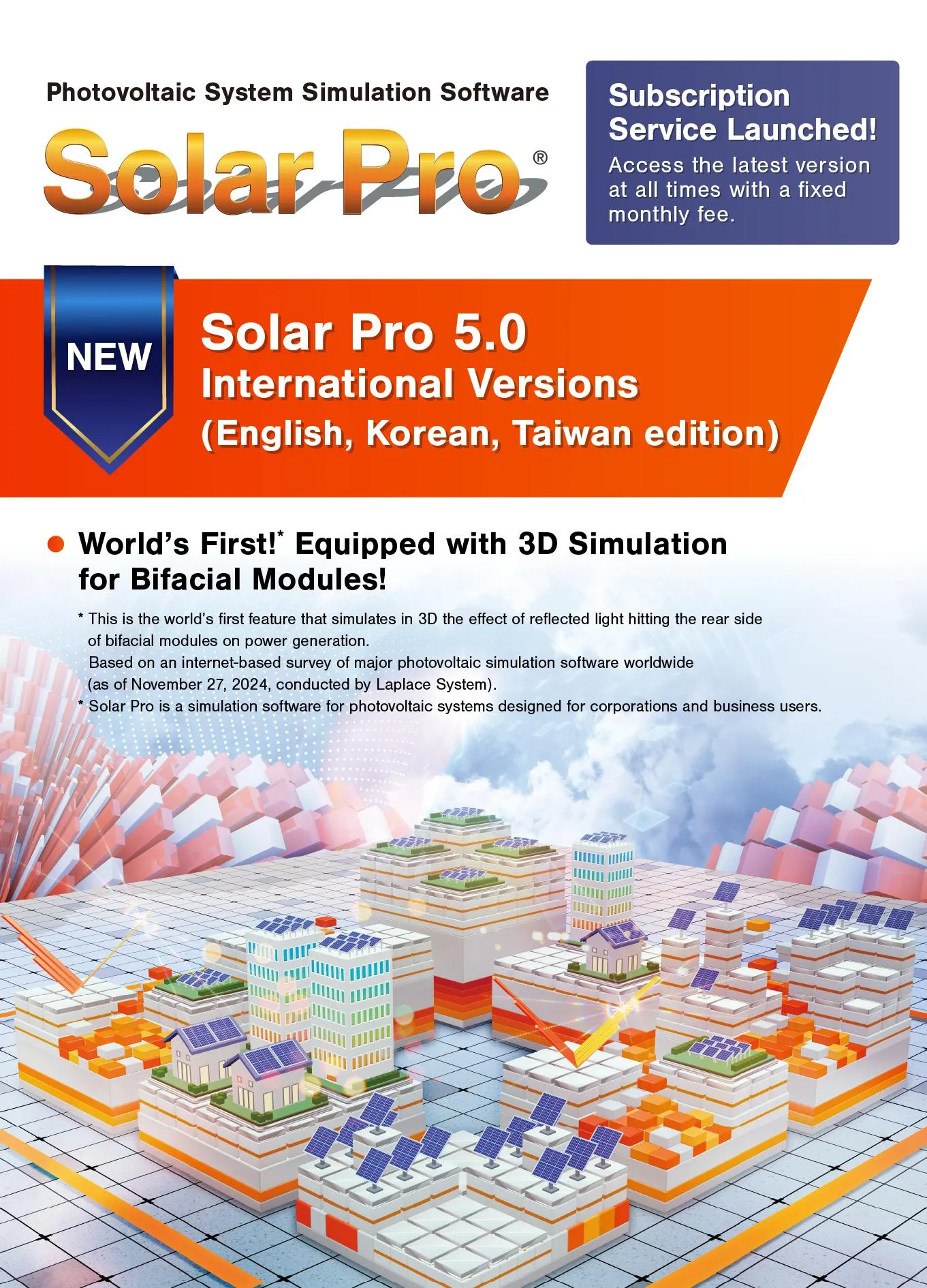
The current version, 5.0, reached international users in July 2025. It added bifacial modules, optimizers, 15- and 30-minute report intervals and online licensing through a Laplace ID instead of a USB key. A project can hold up to 400 inverters and 160,000 modules, with at most 1,000 modules per array.
When one module in a string is partly shaded, the whole string loses output, so sites with walls, hills, trees or neighboring buildings need shading worked out module by module. Laplace System built Solar Pro around that problem: you model the site in 3D, and the program calculates shading for each module and traces where light reflected off the array lands by season and time of day.
It fits engineers and consultants who must show how shading or glare affects a difficult site: wall-mounted arrays, mega solar near hills, solar sharing over farmland. It also suits Japanese self-consumption projects, since its rate plans, feed-in options and curtailment simulation follow Japanese practice. It is the wrong tool for sales teams that need proposals, e-signature or CRM, for Mac or browser-only users, and for project finance: the economics stop at bill savings and payback.
Pros and Cons
Pros
- Module-level shading catches string losses on cluttered roofs and sloped sites.
- Bifacial modeling counts light reflected off walls and the ground (up to two bounces), useful for arrays near buildings or over reflective sheets.
- Glare studies give concrete evidence when neighbors or permitting authorities ask about reflections.
- Handles house roofs, wall-mounted arrays, trackers, mega solar and solar sharing in one program.
- On the market since 1997, with more than 3,700 installations worldwide as of March 2025.
- Laplace engineers can run a study for you, which suits buyers who need only an occasional simulation.
Cons
- Detailed 3D CAD modeling takes time to learn; the input wizard covers only rough estimates.
- Runs only as Windows desktop software (Windows 11); there is no macOS or browser version.
- Prices are not published; quotes come from Laplace System or its local distributors.
- No customer proposals, e-signature or CRM, so sales teams need a separate tool.
- The financial module follows Japanese rate plans and feed-in schemes and has no documented LCOE, NPV, IRR or P50/P90 output.
Features
- 3D Shading Analysis: Build the site from houses, buildings, slopes, free-form shapes and trees whose foliage changes by season, then calculate shading and the resulting output loss for each module.
Bifacial Module Simulation
Set a rear-side factor per module and a reflectance per object, and trace up to two reflections, such as light bouncing off a wall onto the ground and then onto the rear of a module.
Reflected Light Analysis
Pick a season and time of day to see where glare from the array falls on surrounding buildings, and draw the reflected-light trails.
Module and Inverter Database
Use the built-in PV module and inverter database and add your own equipment data when a model is missing.
Meteorological Data Integration
Use built-in weather data for 1,360 overseas locations and Japan (METPV-20), or import Meteonorm (version 7.1 and earlier), Solargis TMY, NSRDB, TMY3 and measured weather data.
Financial Analysis Tools
Base the economics on an electricity rate plan and annual module degradation, and create a quotation directly from the designed equipment.
Reporting
Lay out your own report template and combine technical and financial results in one PDF.
Solar Pro Pricing
Free Trial: A 30-day free trial of Solar Pro 4.8 is available after registration. It excludes the map service, video output and all 5.0 features, so bifacial and optimizer modeling cannot be tested before you buy.
Monthly Subscription: Since version 5.0, Solar Pro is offered as a monthly subscription with a separate initial setup fee; distributor terms may differ.
Regional Editions: Besides the Japanese version, Laplace offers an English edition (overseas markets except Korea and Taiwan) and Korean and Taiwan editions that include local weather data.
Perpetual License: In Japan, a one-time purchase plan with network license authentication is also offered.
Simulation Service: Laplace engineers can run Solar Pro simulations on request and deliver a report, quoted per project.
No Public Pricing: Prices are not published; quotes come from Laplace System or, for the Korean and Taiwan editions, local distributors.
Integrations
Solar Pro works mainly with imported maps, images and weather data and with Laplace System’s own products; vendor documentation lists no live integrations with third-party engineering or monitoring platforms.
- AutoCAD: No native DWG/DXF import is documented; site plans and aerial photos are imported as image files and scaled as a base layer in the 3D CAD.
- PVsyst: No direct PVsyst export is documented; results can be exported as CSV or Excel files in 15-, 30- or 60-minute steps for comparison with other yield tools.
- Bing Maps: Import a Bing Maps image of the site and use it as the base for the 3D model.
- Solar Legato: Apply the control algorithm of Laplace System’s Solar Legato self-consumption output controller to simulate its effect on generation and reverse power flow.
How to Set Up Solar Pro
- Register for the 30-day trial (version 4.8) or ask Laplace System for a demonstration.
- Install it on a Windows 11 PC; a 1 GHz CPU, 512 MB of RAM and 3 GB of free disk space are enough.
- Create a Laplace ID and activate the license online.
- Download updates and extra solar module data from the Laplace download page if your equipment is missing.
- Set up your own report layout for client deliverables.
- Start a project with the input wizard for a rough estimate, or import a map or site-plan image and build the full 3D model.
How to Use Solar Pro
A study starts with the site: trace buildings, slopes and trees over the map or plan image, then place the arrays, whether flat, wall-mounted, on trackers or tilted and turned away from the roof plane below. Next, set the location and choose built-in or imported weather data.
Then choose modules and inverters and set up the wiring, which can include several inverters, optimizers or step-up circuits. Solar Pro calculates shading, reflected light and output; you can compare layouts or tilt angles, let the program find the layout with the highest annual yield, and turn the results into a report.
What You Can Produce with Solar Pro
- Energy Production Forecasts: Generate hourly, monthly, and annual performance estimates.
- 3D Shading Reports: Shadow animations and shadow trails for any date and time, exported as images or video.
- Glare Analysis Studies: Compare how reflected light hits surrounding buildings under different options, for example panel tilts of 10° and 30°.
- Financial Feasibility Reports: Monthly graphs of electricity sales, purchases and bill savings, plus the payback year.
- Special System Designs: Bifacial, tracker and wall-mounted arrays, and solar sharing (agrivoltaic) layouts with the irradiance map under the array and the shading rate used in Japanese permit applications.
- Electrical Performance Analysis: I-V curves and maximum power points for partly shaded strings, with each module’s characteristics and temperature coefficient taken into account.
FAQs
What does Solar Pro do?
It predicts PV output from a 3D model of the site, calculating shading module by module, tracing glare onto neighboring buildings and estimating bill savings and payback.
Who is Solar Pro best for?
Engineers, EPC designers and consultants who need module-level shading or glare studies on complex sites, and installers planning self-consumption systems in Japan. It is not built for sales proposals or customer management.
Is Solar Pro free?
No, Solar Pro is commercial software, although a 30-day free trial is available for evaluation.
How much does Solar Pro cost?
Prices are not published. Since version 5.0 it is sold mainly as a monthly subscription with a separate setup fee; ask Laplace System, or the local distributor for the Korean and Taiwan editions, for a quote.
What are the main limitations of Solar Pro?
It runs only on Windows, prices are not published, and the trial (version 4.8) cannot test bifacial or optimizer modeling. The financial module follows Japanese tariffs and stops at savings and payback, there are no sales or CRM features, and detailed 3D modeling takes time to learn.
What are the best alternatives to Solar Pro?
Popular alternatives include Aurora Solar, HelioScope, PVsyst, PVcase and OpenSolar.


