
What Is Solar Monkey?
Solar Monkey is web-based design and quoting software from a Dutch company founded in 2015; more than 800 solar businesses across Europe use it. In March 2026 the company merged with Eturnity, a Swiss maker of installer software, and both brands and products continue.
It covers the work before installation: remote site assessment, PV design, yield and payback calculations, the quote and the customer's online acceptance, plus upsell leads from existing customers through Connect+.
Designs are drawn on aerial imagery backed by a 3D elevation model, so roof pitch and shading come from data rather than from a site visit.
Calculations follow local rules: UK addresses use the MCS yield method by default, German financial profiles include EEG feed-in tariffs, and Dutch payback figures model the phase-out of net metering.
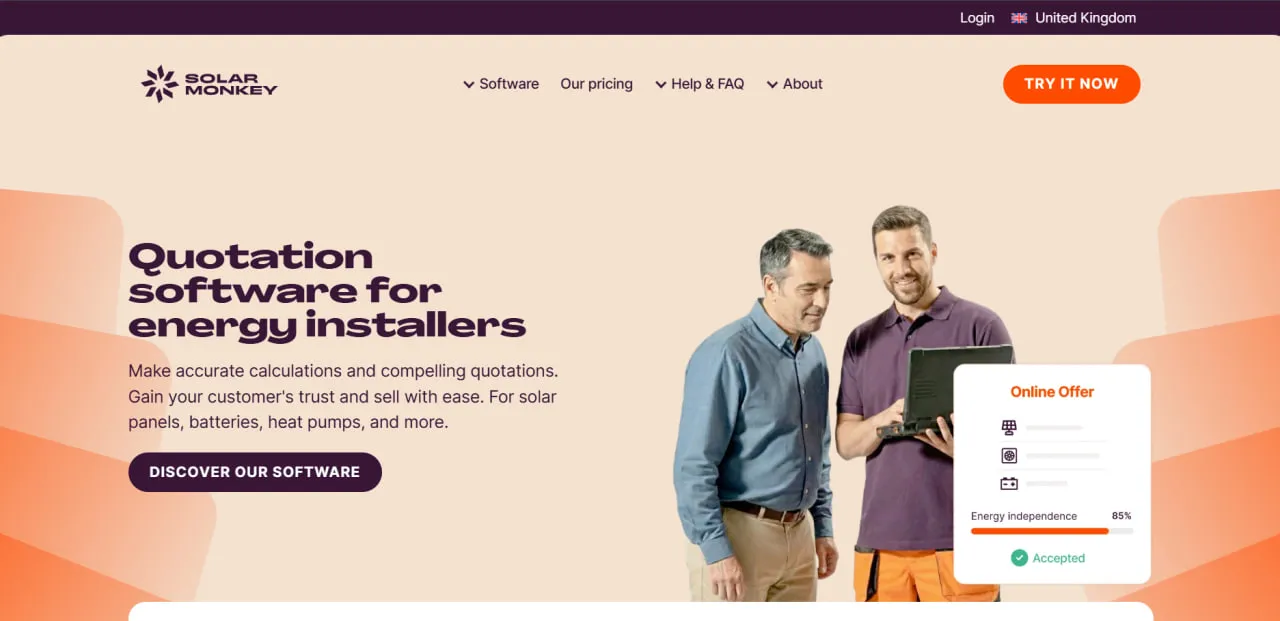
Solar Monkey turns a customer's address into a rooftop PV layout, a shading-adjusted yield estimate and a branded quote the customer can accept online. Batteries, heat pumps and EV chargers can go into the same quote, so it works as a sales tool for the whole home-energy offer rather than as an engineering package.
The best fit is a residential or commercial rooftop installer in the Netherlands, Belgium, Germany, the UK or Spain whose sales team sends a steady stream of quotes; packages range from 3 to 1,000 projects a month. It is not built for utility-scale or ground-mount plants, electrical engineering beyond inverter sizing and stringing, or projects outside Europe.
Pros and Cons
Pros
- Fast enough to quote during the sales visit or call: the vendor puts a calculation and quote at about 90 seconds.
- Per-panel shading from a 3D elevation model ties the yield estimate to the actual roof.
- Connect+ turns existing customers into battery, heat-pump and service-contract leads, even for installers who design in other tools.
- Quick to roll out: the vendor says a new colleague is fully trained in an hour.
- One tool quotes PV, batteries, heat pumps and EV chargers, so no separate battery or heat-pump calculator is needed.
- Low entry cost: €9.95 a month for 3 projects.
- Customers compare options and accept online offers with one click; the vendor reports 24% more quotes approved on average.
Cons
- The platform focuses on Europe and does not provide equivalent coverage for the United States or Asia-Pacific markets.
- Electrical design stops at inverter sizing and stringing; single-line diagrams, cable sizing and grid-connection documents are not among the documented features.
- It is built for rooftop residential and commercial projects and is less suitable for utility-scale solar farms.
- There is no dedicated mobile application, so users must access the platform through a web browser.
- Costs scale with quote volume: every address counts as a project, and systems above 15 kWp (30 kWp in Germany) use two project credits.
- API access (€95 per month) and Connect+ (€195 activation plus from €149.50 per month) are billed on top of the package.
Solar Monkey Features
Automated PV Design
Builds residential and commercial roof layouts on aerial or satellite imagery; the vendor cites about three minutes from design to proposal. Where only low-quality Google Solar aerials exist, Smart Aerials sharpens them with AI, and installers can upload their own drone orthomosaic with GeoTIFF height data.
Shading Analysis
Checks shading for each panel against the 3D elevation model, and the losses feed into the yield estimate.
Professional Proposal Generator
Builds branded quotes in two formats. Online offers, which the vendor recommends, are a customer portal with unlimited design options, datasheets, an expiry date and an email alert when the customer accepts. PDF offers hold up to three designs, and only Solar Monkey can change their layout.
Connect+ Lead Generation
Connect+ emails an installer's existing solar customers a monthly personalized yield report based on their inverter data, with the installer's ads for batteries, heat pumps, EV chargers or service contracts. The vendor cites a 70% open rate and passes incoming leads on for follow-up. It is offered in the Netherlands, Belgium and Germany.
Remote Roof Pitch Detection
Calculates the pitch and orientation of each roof face from elevation data after the user marks part of it; dormers or chimneys inside the marked area are ignored.
Multi-Product Support
Adds batteries, heat pumps and EV chargers to the PV quote. Battery savings can be modeled for self-consumption or for a dynamic hourly tariff; heat-pump quotes show gas savings in m³ and euros based on the unit's COP.
Dashboard Analytics
Shows the status of every design (New, Proposed, Accepted, Rejected or Superseded) on the project page. A built-in sales analytics module is not documented; pipeline dashboards and conversion reporting come through the Pipedrive integration.
Hardware Database
Each company activates and prices its own modules, inverters, optimizers and batteries. In the design, inverters can be filtered to 80–120% of the required output, panels are assigned to strings by color, and microinverters are supported.
Solar Monkey Pricing
Solar Monkey uses a subscription model based on the number of projects per month, the billing period and optional add-ons such as API access. The same package prices are published on its Dutch, Belgian, German and international websites.
14-Day Free Trial
New users get a 14-day free trial of the design and proposal features; no credit card is required.
Base Plan
Solar Monkey's public price calculator lists eight monthly packages, from €9.95 with 3 projects included to €3,000 with 1,000 projects. The 50-project package costs €525 per month, with extra projects at €10.50 each. A project is one address, which can hold several designs and quotes; systems above 15 kWp (30 kWp in Germany) count as commercial and use two project credits.
Annual Billing
Annual billing for the 50-project package costs €5,670 per year, a 10% discount compared with monthly payments; quarterly billing gives a 5% discount.
Connect+ Pricing
Connect+ charges a one-time activation fee of €195. Monthly pricing is €149.50 for up to 199 contacts, €299 for 200–999 contacts and €466 for 1,000–1,999 contacts, plus €27.50 for every additional 500 contacts.
API Access
API access costs €95 per month on top of the package.
Enterprise Pricing
Solar Monkey does not publish a separate Enterprise plan: the public calculator covers up to 1,000 projects per month, and companies that prefer a fixed price instead of per-project billing can contact the sales team for a custom arrangement.
Solar Monkey Integrations
HERO, Splandid and Pipedrive have off-the-shelf connections, Odoo is connected through a partner, and anything else goes through the API, webhooks or Solar Monkey's own app on Make.com.
CRM Integrations
- PipedriveSyncs leads and deals; Solar Monkey can set up and tailor Pipedrive for you.
- HEROConnects customer and project information with field service workflows.
- SplandidExchanges data with Splandid, an all-in-one business platform for companies in the sustainable energy sector.
- OdooConnects Solar Monkey projects with CRM and ERP workflows.
API and Webhooks
Version 3 of the API can create projects and read project and quote details for internal databases, CRM platforms, project management software and other applications; webhooks report events. The account owner has to request access. Customers have connected Salesforce, Zoho, Monday and HubSpot this way.
Accounting and Project Management
HERO covers project management, orders and invoicing, while Odoo, set up with Solar Monkey's partner Latus, adds ERP and accounting.
How to Set Up Solar Monkey
- Register for the 14-day free trial or book a demonstration through the official website.
- Complete the onboarding process and learn how to use the design and shading tools.
- Configure your company profile and upload your logo and branding assets.
- Add your company colors, product texts and images to the online offer template, or ask Solar Monkey to adapt a PDF template.
- Add your preferred modules, inverters, batteries, heat pumps, and EV chargers.
- Add users for your sales and design teams; support can set up roles that limit price edits or discounts.
- Connect a supported CRM or configure the API and webhooks if required.
- Enter a customer address to generate your first photovoltaic design.
How to Use Solar Monkey
1. Enter the Customer Address
Begin by entering a prospective customer’s address. Solar Monkey loads the available aerial or satellite imagery for the selected property.
2. Define the Roof
Mark each roof face where panels will go; Solar Monkey calculates its pitch and orientation from elevation data. Mark obstructions such as chimneys, dormers, vents and skylights.
3. Position the Solar Panels
Select the required photovoltaic module and arrange the panels on the available roof area. Adjust the layout to account for setbacks, obstructions, and shaded zones.
4. Calculate the Energy Yield
Run the yield calculation to estimate annual electricity generation based on system capacity, orientation, local weather conditions, and shading losses.
5. Add Additional Energy Products
Include compatible batteries, heat pumps, or EV chargers when preparing a broader home energy proposal.
6. Configure the Financial Analysis
Add electricity prices, installation costs, incentives, subsidies, financing assumptions, and other variables required for the customer’s financial calculation.
7. Generate the Proposal
Create a branded PDF or web-based proposal containing the system layout, expected production, environmental benefits, costs, and projected savings.
8. Track Customer Engagement
Send the online offer link to the customer and follow up. When the customer accepts an online offer, Solar Monkey emails you and marks the design as Accepted; acceptance of PDF offers has to be recorded manually.
What You Can Manage with Solar Monkey
- PV System Designs: Create detailed module layouts for residential and commercial rooftops.
- Customer Proposals: Generate branded documents containing system specifications, financial calculations, and production estimates.
- Sales Pipelines: Track each design from New to Proposed to Accepted or Rejected; full pipeline management from lead to deal runs through the Pipedrive integration.
- Lead Generation: Turn existing solar customers into leads for batteries, heat pumps and service contracts through Connect+ yield reports.
- Yield Reports: Produce energy generation forecasts based on weather data and shading analysis.
- Hardware Libraries: Manage solar modules, inverters, batteries, heat pumps, and EV charging equipment.
Solar Monkey FAQs
What does Solar Monkey do?
Solar Monkey lets solar installers design a rooftop PV system from aerial imagery and elevation data, calculate the yield including shading losses, and send a quote the customer can accept online.
Who is Solar Monkey best for?
Solar Monkey is built for residential and commercial rooftop installers in the Netherlands, Belgium, Germany, the UK and Spain. It suits sales teams that send many preliminary designs and quotes each month.
Is Solar Monkey free?
No. New users get a 14-day free trial; after that a paid package is needed, starting at €9.95 per month for 3 projects.
How much does Solar Monkey cost?
Solar Monkey's public price calculator lists packages from €9.95 per month for 3 projects to €3,000 per month for 1,000 projects; the 50-project package costs €525 per month. Connect+ and API access (€95 per month) cost extra, and projects beyond the package allowance are billed per project.
What are the main limitations of Solar Monkey?
It focuses on European markets, electrical design stops at inverter selection and stringing, and there is no dedicated mobile app. It is built for rooftops, not utility-scale or ground-mount plants, and support is by in-app chat during office hours.
What are the best alternatives to Solar Monkey?
Common Solar Monkey alternatives include Aurora Solar for residential design and sales, HelioScope for commercial photovoltaic engineering, and OpenSolar for a free design-to-proposal workflow.


