
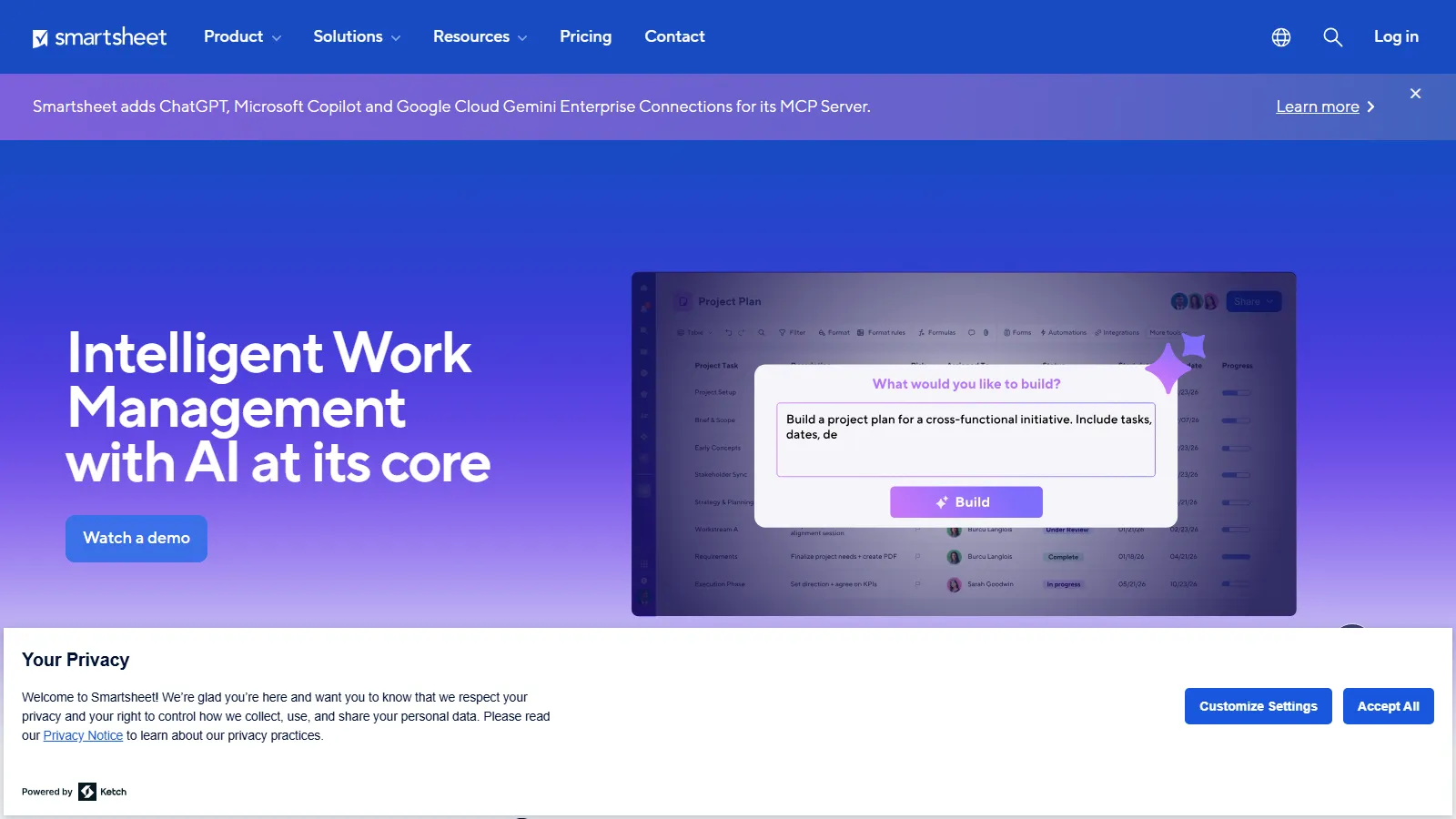
What Is Smartsheet?
Smartsheet is a general-purpose work management platform built around the sheet: a grid of rows and columns that can also be shown as a Gantt chart, board or calendar, with reports, forms, automations and dashboards drawing on the same data. The company says more than 85% of Fortune 500 companies use it.
In solar, teams use it for EPC schedules, permitting workflows, site development tracking, procurement and basic asset management, meaning asset records kept in sheets rather than performance monitoring. IEA (Infrastructure and Energy Alternatives), which runs more than 150 renewable energy servicing projects a year, built its technician resource tool in Smartsheet and says automated data collection saves its technicians about 50 hours a week.
Many solar companies still keep schedules, permits, contractor lists, procurement and budgets in separate Excel files and email threads, where deadlines slip between versions. Smartsheet moves that work into shared cloud sheets that office staff and field crews update in one place, so everyone sees the same schedule and permit status.
It suits solar EPCs, developers and operations teams that already think in spreadsheets and are willing to build their own trackers. It is not solar software: PV design, yield modeling and monitoring stay in dedicated tools, and every solar workflow has to be set up from templates or by a consultant.
Pros and Cons
Pros
- Teams that already run projects in Excel can start quickly, because the main view is still a grid with formulas.
- Sheets can follow your own permit, procurement and construction process instead of a vendor's fixed workflow.
- No-code reminders, approval requests and update requests replace much of the chasing by email and phone.
- iOS and Android app on every plan, with offline data collection for remote sites with poor coverage.
- Grows from a small team on Pro to company-wide use on Enterprise without switching tools.
- Certified to SOC 2, ISO 27001, ISO 27701 and FedRAMP.
Cons
- Business-plan sheets cap at 20,000 rows, 400 columns and 500,000 cells; bigger trackers need Enterprise (100,000 rows) or splitting across sheets.
- The $9 Pro plan is pared back: 250 automation runs a month, 10 widgets per dashboard, one sheet per report, and no conditional form logic, Power BI or API access.
- Every in-house user who edits sheets needs a paid Member seat; 20 Members on Business cost $4,560 a year at the annual rate.
- Without shared templates and naming rules, each project manager builds sheets differently and portfolio reporting falls apart.
- No solar engineering: no PV layout, shading or P50/P90 yield modeling, no permit plan sets or SLDs, and no monitoring, SCADA or inverter data.
Features
Grid/Table, Gantt, Board, Timeline and Calendar Views
Switch between spreadsheet, Gantt, Kanban-style board, timeline (Business plan and up) and calendar views; board view replaces the older card view from September 2026.
Automated Workflows
Create notifications, approval requests, reminders, and status updates without coding.
Real-Time Dashboards
Monitor KPIs, budgets, schedules, and project health through customizable dashboards.
Forms and Data Collection
Capture field updates, inspections, and project information through mobile-friendly forms.
Resource Management
Track workload allocation across teams and projects (a paid add-on for Business and Enterprise plans, not available on Pro).
Content Collaboration
Discuss work in row comments and review images and video with proofing (Business plan and up).
Generative AI Features
Smart Assist, Smart Columns, an AI dashboard builder, intelligent form fill, formula generation and data analysis, included in every plan.
Smartsheet Pricing
Prices are per Member, the paid seat needed to create or edit sheets. Contributors, who can view and comment, are free on every plan, and external Guests are free on Business and up.
Free Plan: No longer available to new sign-ups since August 28, 2024; new users start with a 30-day free trial (no credit card required).
Pro Plan: $9 per member/month billed annually ($12 billed monthly), for 1–10 members.
Business Plan: $19 per member/month billed annually ($24 billed monthly), for 3 or more members.
Enterprise Plan: Custom pricing for 10 or more members; adds portfolios, scenario planning, SAML-based SSO and directory integrations.
Advanced Work Management and Add-Ons: Custom-priced top plan that adds Advanced Portfolios, Dynamic View, Data Shuttle, DataMesh, Connectors and Premium Support; from Business up, Dynamic View (from $125/month) and Data Shuttle (from $100/month) can also be bought separately.
Integrations
Microsoft 365, Google Workspace and Slack work on every plan. Power BI, Tableau and the AI connections (ChatGPT, Claude, Gemini, Microsoft Copilot) need Business; ServiceNow, Dynamics 365 and HubSpot connectors come with Enterprise and Advanced Work Management, and Jira and Salesforce connectors are sold separately.
- Microsoft 365: Teams, Outlook, OneDrive and Power BI.
- Google Workspace: Google Drive, Gmail, and Google Calendar.
- CRM Systems: Salesforce, HubSpot, and Microsoft Dynamics 365.
- Project and Development Tools: Jira and ServiceNow; Azure DevOps through a third-party Marketplace connector.
- Automation Platforms: Zapier, Make, Power Automate, Workato and UiPath, plus the Smartsheet API (Business and up).
- Communication Tools: Slack and Cisco Webex.
How to Set Up Smartsheet
- Start the 30-day free trial; if you don't upgrade, your sheets turn read-only for 30 days and are then deleted.
- Organize workspaces by project, region, or operational function.
- Import existing data from Excel or other project management systems.
- Build a sheet for each workflow, such as a permit tracker, procurement log or construction schedule, from a template or from scratch.
- Configure automation rules, notifications, and approval workflows.
- Invite team members and assign permissions.
How to Use Smartsheet
Project managers usually start on a dashboard that shows schedule status, budgets and permit stages across projects, then work in the Gantt view to track dependencies and move dates when a permit or equipment delivery slips.
Field crews submit photos, inspection results and site notes through mobile forms. Each submission lands as a row in the project sheet, so dashboards and reports update without anyone re-entering data.
What You Can Manage with Smartsheet
- Project Schedules: Track milestones, dependencies, and critical paths.
- Site Development Pipelines: Track candidate sites from screening through development milestones.
- Permitting Workflows: Monitor applications, approvals, and compliance deadlines.
- Vendor Management: Coordinate contractors, suppliers, and procurement activities.
- Document Management: Attach contracts, drawings and permits to the rows they relate to (20 GB of storage on Pro, 1 TB on Business).
FAQs
What does Smartsheet do?
It runs projects in shared, spreadsheet-like sheets where each row is a task with an owner, dates and dependencies, and adds automated reminders and approvals, forms and dashboards. Solar teams use it for schedules, permits and procurement, not for design or monitoring.
Who is Smartsheet best for?
Solar developers, EPC contractors, construction firms and operations teams that run many projects at once and want one configurable tracker for office and field staff. It is a poor fit for teams that expect solar workflows such as permits, interconnection or O&M work orders to work out of the box.
Is Smartsheet free?
Not for new users. Smartsheet closed its Free plan to new sign-ups on August 28, 2024; new users get a 30-day free trial, after which a paid plan (from $9 per member/month billed annually) is required.
What are the main limitations of Smartsheet?
Per-Member pricing that grows with headcount, a 20,000-row limit per sheet on the Business plan, a pared-back Pro plan, and no solar engineering functions such as PV design, yield modeling or monitoring.
What are the best alternatives to Smartsheet?
Popular alternatives include monday.com, Asana, ClickUp, Airtable, Procore, and industry-specific solar project management platforms.


