
What Is RatedPower?
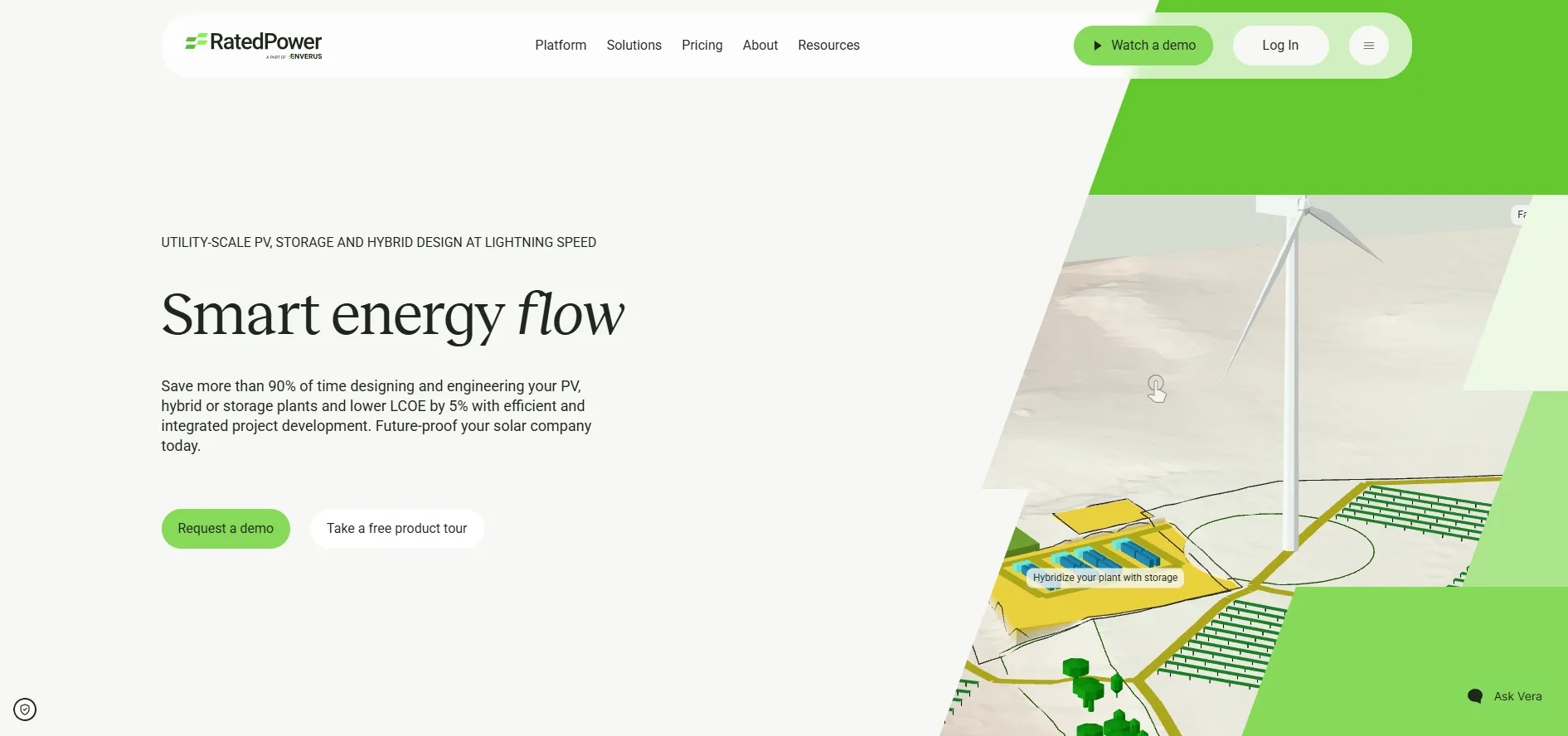
RatedPower is a browser-based design platform for utility-scale solar and battery energy storage systems (BESS), developed by a Madrid company founded in 2017 and part of Enverus since September 2022.
It suits solar developers, EPC companies, independent power producers (IPPs) and financial institutions working on ground-mounted utility-scale PV, standalone storage and hybrid plants. It is not built for residential or rooftop systems, including most C&I rooftops. By the vendor's own account, it replaces neither PVsyst for the bankable yield report nor AutoCAD for detailed civil and cabling work; the design moves to both when those stages begin.
RatedPower is a cloud platform for designing ground-mounted utility-scale PV plants, from feasibility studies to detailed PV engineering, plus battery storage design for standalone and hybrid projects. From a site boundary and your choice of modules, inverters and structures, a single run produces the layout, cabling, electrical and substation design, energy yield, CAPEX and LCOE. Done the traditional way, the same preliminary work often takes weeks across separate CAD, yield and spreadsheet tools.
Because every variant comes out costed, developers can compare layouts, equipment and storage sizes on the same site by yield and LCOE, then settle on one before committing detailed engineering time.
Pros and Cons
Pros
- Saves engineering time at the design stage: Engie's preconstruction team lead estimates a 30 to 40% cut per project.
- PV, BESS and substation design sit in one project, so hybrid plants do not have to be stitched together from separate tools.
- Per-company pricing with unlimited users and projects, so adding engineers or reviewers adds no license cost.
- Documents come from the same run as the layout and yield, so the figures in reports and drawings match the design.
- Updates are included and every user works on the current version, with nothing to install.
- Onboarding sessions with the customer success team and email support in seven languages, including Spanish, German and Chinese.
Cons
- No public pricing, and contracts usually run multi-year (annual terms are available).
- Manual layout editing and detailed PV engineering need the Advanced plan, and the .dwg round-trip with AutoCAD is not always lossless, so complex geometry can need a second pass.
- Earthwork covers cut, fill, slopes and piling only: drainage and flood risk still need a civil engineer, and very irregular terrain may need manual adjustments.
- BESS economics automate arbitrage, but peak shaving, ancillary services and merchant cases need your own assumptions.
- Advanced financial and electrical settings may create a learning curve for new users.
Features
Automated Layout Generation
PV layouts, cable routing, roads and equipment placement, generated from the site boundary and exclusion zones.
3D Energy Yield Simulation
Module-by-module ray tracing with terrain and near-object shading analysis; 10 to 20 minutes per run, sold as an add-on package.
BESS Integration
Design standalone or AC/DC-coupled storage, with arbitrage dispatch, battery degradation and auxiliary consumption modeled in the simulation.
Substation and Interconnection Engineering
Basic engineering for step-up substations (single busbar, double busbar or line-to-transformer), switching stations and pooling substations, with single-line diagrams; enough to price the connection, not to issue for construction.
Topography and Earthwork Analysis
Cut and fill per group of structures, tracker-level grading within slope and piling limits, and maximum cut depth and fill height per platform.
Financial Analysis Tools
Estimate CAPEX, OPEX, LCOE, NPV and IRR with built-in or custom cost templates.
Automated Documentation
More than 400 editable documents per design iteration, including .pdf/.docx reports, bills of quantities and .dwg drawings.
RatedPower Pricing
RatedPower sells a per-company subscription in three tiers: Basic, Advanced and Enterprise. The 3D energy yield packages and the Power Analyst AI agent are paid add-ons on any plan.
Basic Plan: Feasibility-level engineering up to the grid connection point, including PV layout and modeling, energy yield, storage and interconnection design.
Advanced Plan: Adds detailed PV engineering, manual layout editing and live on-demand technical training.
Enterprise Plan: Adds site analysis and prospecting in selected geographies, team management, SSO and a designated Principal Consultant.
Unlimited Users and Projects: All plans include unlimited users, projects and designs.
No Public Pricing: Exact subscription costs require a custom sales consultation.
Integrations
RatedPower takes site data from CAD and GIS files and hands designs on to the CAD and yield tools used for detailed work.
- Engineering Software: Export layouts as .dwg to AutoCAD and import the edited file back, and export the shading scene as a .pvc file for PVsyst.
- GIS and Mapping: Import site boundaries from SHP, DWG and Google Earth KML/KMZ files.
- Energy Data Platforms: Enverus PRISM International datasets on power plants, substations and parcels outside the US and Canada, included depending on plan and geography; PRISM itself is a separate Enverus product.
- Hardware Libraries: A built-in library of modules, inverters and structures, plus your own .pan and .ond files and custom tracker, fixed-tilt and east-west structures.
- Security Integrations: Multi-factor authentication for all users and SAML SSO on Enterprise; SOC 2 Type I and Type II reports, with hosting on AWS in the EU.
How to Set Up RatedPower
- Request a demo and receive a custom pricing consultation.
- Complete onboarding sessions with the RatedPower customer success team.
- Configure company standards, currencies, and engineering templates.
- Upload preferred module, inverter, and tracker libraries.
- Create workspaces and invite team members.
- Start projects by importing coordinates, parcel boundaries, or GIS data.
How to Use RatedPower
A project starts from a site: map coordinates or parcel boundaries imported from GIS or CAD files, plus your own topography and TMY irradiance data if you have them. You then mark exclusion zones and terrain limits and choose modules, inverters, structures and design targets.
RatedPower then generates the layout, electrical design, yield and costs for each variant. On the Advanced and Enterprise plans, the Layout Editor lets you adjust the chosen design by hand while peak power, price and LCOE update, and compare up to 24 design iterations at once. The final design goes out as documents and .dwg files for permitting, tenders and pre-construction design.
What You Can Manage with RatedPower
- Solar Project Portfolios: Organize utility-scale project pipelines and design scenarios.
- Energy Yield Simulations: Run the simplified model, which a Black & Veatch audit put within +0.24% to +1.08% of PVsyst, or the 3D add-on for module-level detail.
- Electrical and Civil Engineering Drawings: General and BESS layouts, terrain slopes, MV and LV single-line diagrams, transmission lines and structure profiles in .dwg.
- Team Collaboration: Engineering and development teams share workspaces, with roles from read-only to admin.
FAQs
What does RatedPower do?
RatedPower automates the design of ground-mounted utility-scale PV, standalone storage and hybrid plants: for each variant it produces the layout, electrical and substation design, energy yield, costs and an editable document set.
Who is RatedPower best for?
Utility-scale solar developers, EPC firms, independent power producers, engineers and financial institutions working on ground-mounted PV, storage and hybrid plants. Residential and rooftop projects, including most C&I rooftops, are better served by other tools.
Is RatedPower free?
No. RatedPower is sold as a quoted, per-company subscription with no free trial, though the vendor offers free demos and guided product tours.
What are the main limitations of RatedPower?
Pricing is not published, and the 3D energy yield packages and the Power Analyst AI agent cost extra. Manual layout editing and detailed PV engineering require the Advanced plan, earthwork does not cover drainage or flood risk, and the BESS economics automate arbitrage but not peak shaving, ancillary services or merchant cases.
What are the best alternatives to RatedPower?
The closest utility-scale alternatives are PVcase, Terabase and, for early site screening, Glint Solar. PVsyst complements RatedPower rather than replacing it: teams export the design to PVsyst for the bankable P50/P90 yield report.


