
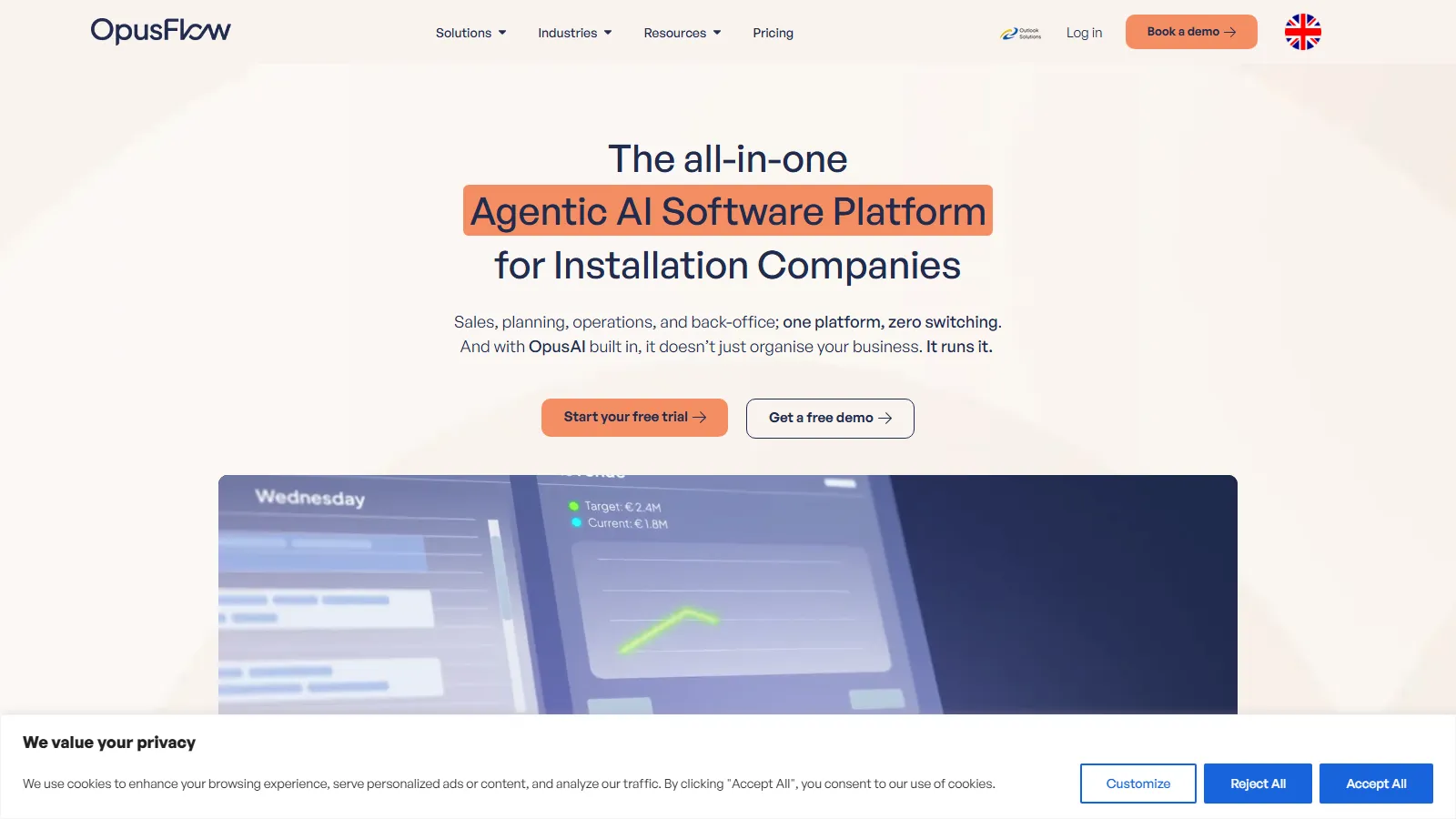
What Is OpusFlow?
OpusFlow is a cloud ERP for companies that install solar PV, heat pumps, home batteries, HVAC and EV chargers. ProfitFlow BV in Deventer, the Netherlands, launched it in November 2022, and it is sold mainly in the Netherlands, Belgium, Germany, Spain and the UK.
It fits installers with sales, office and field staff who want one system from lead to invoice, especially those that sell PV together with batteries or heat pumps. It is a poor fit for solo installers (three licenses on annual billing cost at least €297 a month, before onboarding from €1,500), for US companies (euro pricing, Peppol and Verifactu e-invoicing, Dutch 2BA catalogs) and for utility-scale design, since the PV Designer is a satellite-based roof tool.
An installation company that keeps leads, roof designs, stock, crew schedules and invoicing in separate tools types the same customer data several times, and sales, office and field staff end up working from different versions of a job. OpusFlow puts all of it in one cloud system built for solar, heat pump and EV charging installers.
Where it stands out is the link between sales and delivery: the roof design feeds the yield and ROI calculation, the quote and the materials list, and once the customer signs, the same job moves into planning, purchasing and billing without being retyped.
Pros and Cons
Pros
- One system from first lead to final invoice, so customer and project data are entered once.
- Sales consultants can design the roof, model the ROI and send a quote during the customer visit, without waiting for back-office sign-off.
- Solar, battery and heat pump calculations combine into one quote and one branded ROI PDF, so a mixed system can be sold in one appointment.
- Branded customer portal with e-signatures saves chasing paperwork by email after a quote goes out.
- Published prices, and every license includes every module, so design or inventory never become paid add-ons.
- Frequent updates, with roughly monthly releases in the public changelog.
Cons
- Migration takes work: data comes in through a fixed Excel template, and onboarding costs from €1,500 on top of the subscription.
- The PV Designer is a satellite-based roof tool; ground-mount and utility-scale projects still need dedicated engineering software.
- The large feature set takes new employees time to learn.
- Three licenses on a one-year contract (at least €297 a month) rule it out for solo installers.
- Occasional software bugs may appear due to rapid feature development.
- Built for European installers (euro pricing, Peppol and Verifactu e-invoicing, Dutch 2BA catalogs), so US companies get little from those features.
Features
PV Designer
Place panels, obstacles, inverters and the string plan on a satellite image of the roof; shading and installation losses and the yield are calculated from that layout.
CRM and Lead Management
Centralize customer records, communication history, and sales pipelines.
ROI Calculator
A 25-year savings and payback projection from local tariffs, the customer's monthly consumption, local irradiance, subsidies and equipment degradation.
Automated Quotations
Branded quotes and contracts are built from the design and ROI data.
Project and Staff Scheduling
A drag-and-drop calendar for site visits and crews, with double-booking checks and the project record linked to every job.
Inventory Management
Track stock levels and allocate materials directly to projects.
Customer Portal
A portal under your own branding where customers follow their project, open documents and sign quotes online.
AI Assistant (OpusAI)
A chat assistant that works on your account data: ask it to build a margin report, reschedule a week, draft a proposal email or create a purchase order. Separate AI agents for lead follow-up, quoting and planning can act on their own within limits you set.
OpusFlow Pricing
The license price is simple; the real cost is set by the three-license minimum and the onboarding fee. A three-user team on annual billing pays at least €3,564 a year before onboarding.
Free Demo and Trial: A personalized 30-minute demo and a free trial are available before purchase.
Subscription: €99 per user/month when paid yearly, or €119 per user/month when paid monthly, both on a one-year minimum contract with at least three licenses.
All-In-One Licensing: CRM, design, planning, and inventory tools are all included in every license, along with the OpusAI assistant (subject to a usage limit).
Onboarding Costs: Onboarding is not included in the subscription and starts from €1,500, depending on the complexity of the setup.
Multi-Year Contracts: Signing up for several years upfront gives a lower rate.
Integrations
Most of the connected suppliers and lead platforms are Dutch or Belgian, so installers elsewhere should check the list against the mounting brands and accounting package they already use.
- Hardware Suppliers: Mounting materials from Esdec, BluBase, Van der Valk, Sunbeam, Schletter and Cobalt are calculated in the PV Designer and added to the quote.
- Accounting Software: Exact sync, Peppol e-invoicing for Belgium, Verifactu reporting for Spain and Mollie for SEPA payments.
- Calendar Systems: Calendar and email sync with Google Workspace and Microsoft 365.
- Lead Providers: Leads from Solvari, Slimster, Bobex and FYXN arrive in the CRM automatically.
- API Access: An open API and a Zapier connection for tools not on this list.
How to Set Up OpusFlow
- Book a demo; the OpusFlow team then sets up your job types, project stages and team structure before go-live.
- Configure branding templates for quotes, invoices, and communication.
- Import existing customers, inventory, and project records through OpusFlow's fixed Excel template.
- Set user permissions for sales, engineering, and office staff.
- Connect accounting software and lead generation integrations.
- Run one test project from lead to invoice.
How to Use OpusFlow
A job starts in the CRM: a lead comes in, and the sales consultant draws the roof in the PV Designer. The layout, yield and ROI figures feed the proposal tools, which produce the quote and contract for the customer to sign in the portal.
Once the customer signs, the project moves to planning: the office books a crew, the materials list becomes a stock reservation or purchase order, and the finished job is invoiced from OpusFlow and synced to the accounting package.
What You Can Manage with OpusFlow
- Heat Pump and Battery Jobs: Heat loss calculations to DIN EN 12831-1 and battery sizing, quoted together with PV.
- Field Work: A mobile view where technicians fill in checklists, take photos, collect signatures and log hours on site.
- Service Contracts: Maintenance contracts signed digitally, with invoices generated and payments collected on a set schedule.
- Tickets and Chats: Service requests and customer messages, including WhatsApp through CommuniQate.
- Multiple Companies: Several companies or labels in one account, each with its own branding, invoice numbering and accounting link.
- Financial Operations: Manage invoices, payments, and accounting synchronization.
- Business Analytics: Monitor profitability, sales performance, and operational KPIs.
FAQs
What does OpusFlow do?
It runs an installation company's day-to-day work in one system: CRM and leads, satellite-based PV design, ROI calculations and quotes, crew planning, stock and purchasing, invoicing and service contracts. It covers heat pump, battery and EV charging jobs as well as solar.
Who is OpusFlow best for?
Installers of solar, heat pumps, HVAC and EV chargers in the Netherlands, Belgium, Germany, Spain or the UK with at least three users, especially those that sell PV with batteries or heat pumps. Solo installers, US companies and utility-scale designers are better served by other tools.
Is OpusFlow free?
No, OpusFlow is a paid platform (from €99 per user/month, minimum three licenses), though a free trial and a free demo are available.
What are the main limitations of OpusFlow?
The main ones are the entry cost (three licenses on a one-year contract plus onboarding from €1,500), migration through a fixed Excel template, a learning curve for new staff, a PV Designer that handles roofs rather than engineering CAD work, and a product built around European invoicing rules and suppliers.
What are the best alternatives to OpusFlow?
The closest European alternatives are Sollit (2Solar), Solar Monkey and OpenSolar, which OpusFlow itself compares against. Aurora Solar and PV*SOL are design and simulation tools rather than ERPs; monday.com is a general work management tool and JobNimbus a US roofing and contractor CRM, and neither includes PV design.


