
What Is Meteocontrol VCOM Cloud?
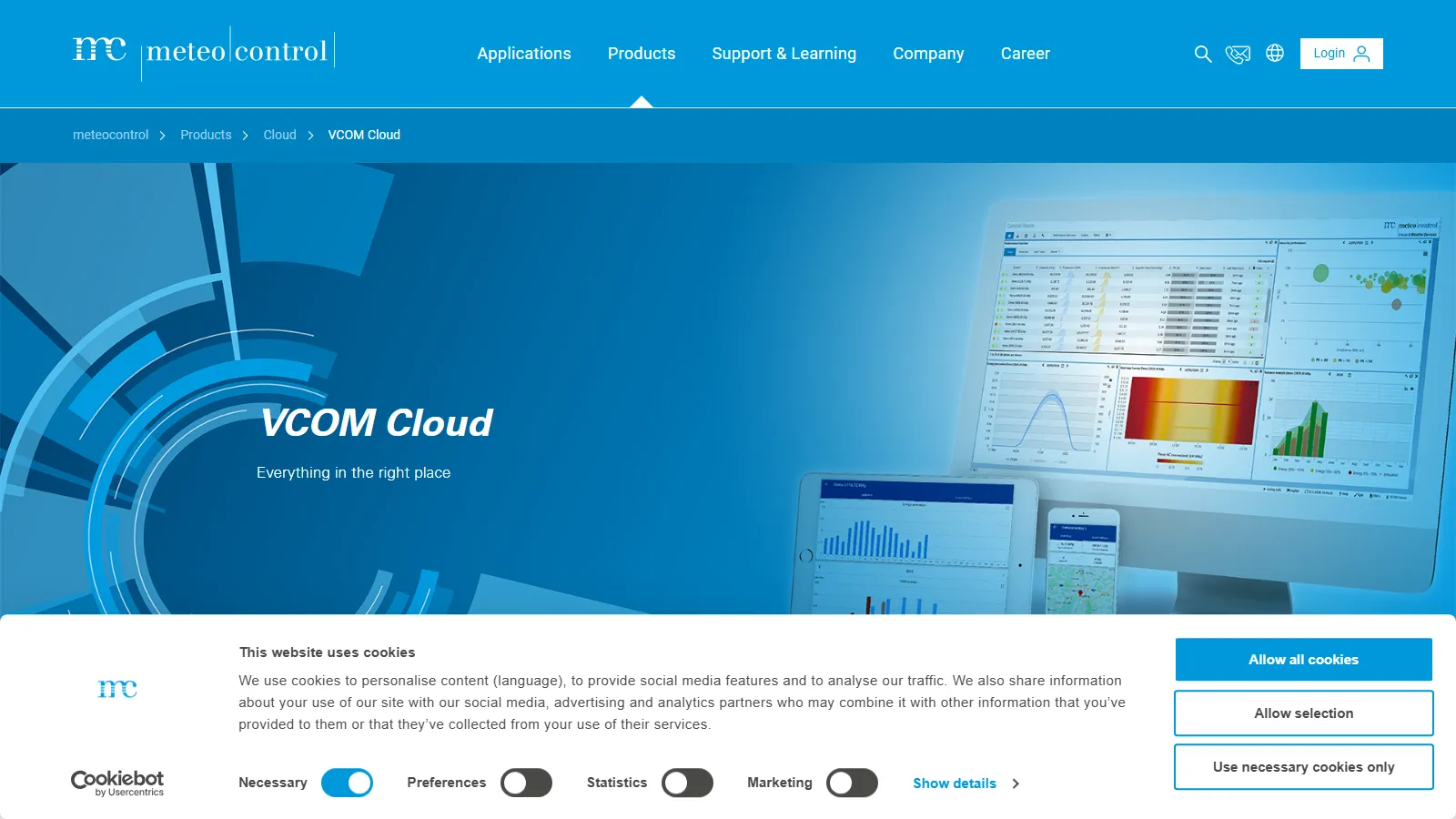
Meteocontrol VCOM Cloud is a Software-as-a-Service (SaaS) platform built for monitoring and managing solar and battery storage assets.
It pulls data from inverters, sensors, data loggers and battery systems and builds dashboards and performance analytics on top of it; performance ratio is calculated according to IEC 61724-1.
Meteocontrol VCOM Cloud puts solar monitoring, battery analytics and maintenance ticketing into one browser-based portal. Its maker, the German company meteocontrol, says it monitors about 50 GWp across 75,000 plants, and VCOM Cloud is used in 140 countries.
VCOM stands for “Virtual Control Room,” and the portal is built for teams that run many sites at once: asset managers, O&M providers and investors with C&I and utility-scale PV, often with batteries and inverters from several brands. It is sold on quote and often installed together with meteocontrol’s blue’Log data loggers, so it is not aimed at homeowners.
Pros and Cons
Pros
- Monitoring, ticketing and reporting live in one portal, so nothing has to be exported between the alarm, the ticket and the report.
- Mixed-brand portfolios fit in one view instead of being split across each inverter maker’s portal.
- Scales from a single commercial rooftop to utility-scale portfolios spread across several countries.
- Less alarm noise: an alarm fires only when an incident persists past the configured delay, and a device error alone does not raise one.
- Paperless field work: technicians get work orders with location, safety instructions and checklists on a phone or tablet (requires VCOM CMMS).
- PV-only, PV-plus-storage and standalone BESS sites sit in the same portal.
- Mature product: the current generation of the VCOM portal launched in 2014.
Cons
- Alarm rules, KPIs, charts and add-on modules take time to learn and configure.
- No public prices; every license is quoted.
- Battery Monitoring and other add-on modules are billed on top of the base license.
- Historical data migration can be technically complex.
- The API has no webhooks, so external systems have to poll for new data and alarms within a daily call limit.
Features
Portfolio Management
Monitor KPIs and performance across global solar and storage fleets.
Smart Alarms
Automatically detect outages, misproduction and communication losses, with configurable severity and the estimated yield loss in kWh for each incident.
VCOM CMMS
Add work orders, recurring tasks and custom form templates on top of the ticket system built into VCOM, and assign the work to internal or external service teams.
Advanced Data Visualization
Start from ready-made charts for inverter energy, performance ratio and heat maps, or build your own charts and dashboards.
Battery Monitoring
Track state of charge (SoC), state of health (SoH), charged and discharged energy and power flows for each battery.
Investor Reporting
Generate system and portfolio reports with KPIs, charts and tickets, plus a dedicated investor view.
Mobile Applications
The VCOM Monitoring App brings system data and each system’s master data to a smartphone.
Meteocontrol VCOM Cloud Pricing
VCOM Cloud is licensed as a subscription; the price depends on the modules you book and is quoted on request.
License Fees: Prices are not published; meteocontrol quotes the VCOM license on request.
Battery Monitoring Fees: VCOM Battery Monitoring is billed quarterly by installed battery capacity, and since the end of March 2026 VCOM only monitors battery data when this module is active (UPS systems under 30 kWh are exempt).
Demo Access: Trial access and live demos are available on request. In the US, new customers who sign a two-year or continuous license get six months of free monitoring for one site; that is a promotion, not a free trial.
Add-On Services: Advanced analytics, audits, and historical data migration may require additional fees.
Contract Terms: In North America, VCOM licenses are billed quarterly and run either for two years or on a rolling basis that can be canceled after one year.
Integrations
VCOM Cloud does not lock you into meteocontrol hardware: blue’Log loggers are optional, and the import compatibility list covers dozens of third-party loggers and inverter portals.
- Hardware Support: The blue’Log X-Series data logger is compatible with more than 4,200 devices from multiple manufacturers.
- Data Logger Integration: Third-party sources include Solar-Log, SMA Data Manager, Huawei FusionSolar/SmartLogger, Fronius Solar.web, Sungrow iSolarCloud and the AlsoEnergy API.
- VCOM API: A REST/JSON API (with CSV output for bulk endpoints) connects measurement, system and ticket data with ERP and other enterprise systems; daily call limits range from 500 to 150,000 depending on the API key level.
- Protocol Support: Third-party data arrives over HTTP/REST, FTP or email, in XML, JSON or CSV format.
- SolarEdge Integration: Direct support for module-level monitoring data.
How to Set Up Meteocontrol VCOM Cloud
- Book a demo with meteocontrol and request a quote for your portfolio.
- Install blue’Log data loggers or connect your existing third-party loggers and inverter portals.
- Create an mc Cloud account and book the VCOM license and any add-on modules.
- Configure plant details, expected production targets, and team permissions.
- Set alarm rules, maintenance workflows, and reporting schedules.
How to Use Meteocontrol VCOM Cloud
A typical day starts in the portfolio view, where color-coded icons flag systems with open alarms, with critical alarms shown in red. Because each alarm shows its estimated yield loss, the team can start with the faults that cost the most energy.
An alarm becomes a ticket either by hand or automatically through the Automation feature, and several alarms can be grouped into one ticket. With VCOM CMMS, the ticket gets a work order that a technician completes on site in the VCOM O&M App. Managers then review the finished work, check performance trends and send portfolio reports to investors.
What You Can Manage with Meteocontrol VCOM Cloud
- Performance Analytics: Track energy yield, availability and performance ratio.
- Technical Documentation: Store layouts, maintenance records, and operational logs.
- Battery Health: Follow full-cycle equivalents and battery availability, and set user-defined alarms on data points such as battery temperature.
- Investor Reporting: Give investors and other outside stakeholders controlled access to selected systems through Shared Assets.
- Grid Compliance: Monitor plant controller status and export limits.
FAQs
What does Meteocontrol VCOM Cloud do?
Meteocontrol VCOM Cloud collects data from solar plants and batteries, calculates KPIs such as performance ratio, raises alarms for outages, misproduction or lost communication, turns alarms into maintenance tickets and builds reports for single systems or whole portfolios.
Who is Meteocontrol VCOM Cloud best for?
It suits asset managers, O&M providers and investors running many C&I or utility-scale solar and storage sites, especially with mixed hardware. A homeowner with one rooftop system does not need it; the inverter maker’s own monitoring app covers that case.
Is Meteocontrol VCOM Cloud free?
No. VCOM Cloud requires a paid license, and modules such as battery monitoring are billed on top. Trial access and demos are available on request.
What are the main limitations of Meteocontrol VCOM Cloud?
Prices are only available on quote, battery data needs the separately billed Battery Monitoring module, the API has no webhooks, and onboarding a large mixed-hardware portfolio and learning the many settings takes time.
What are the best alternatives to Meteocontrol VCOM Cloud?
Alternatives include Stem PowerTrack, Schneider Electric EcoStruxure and Solytic.


