
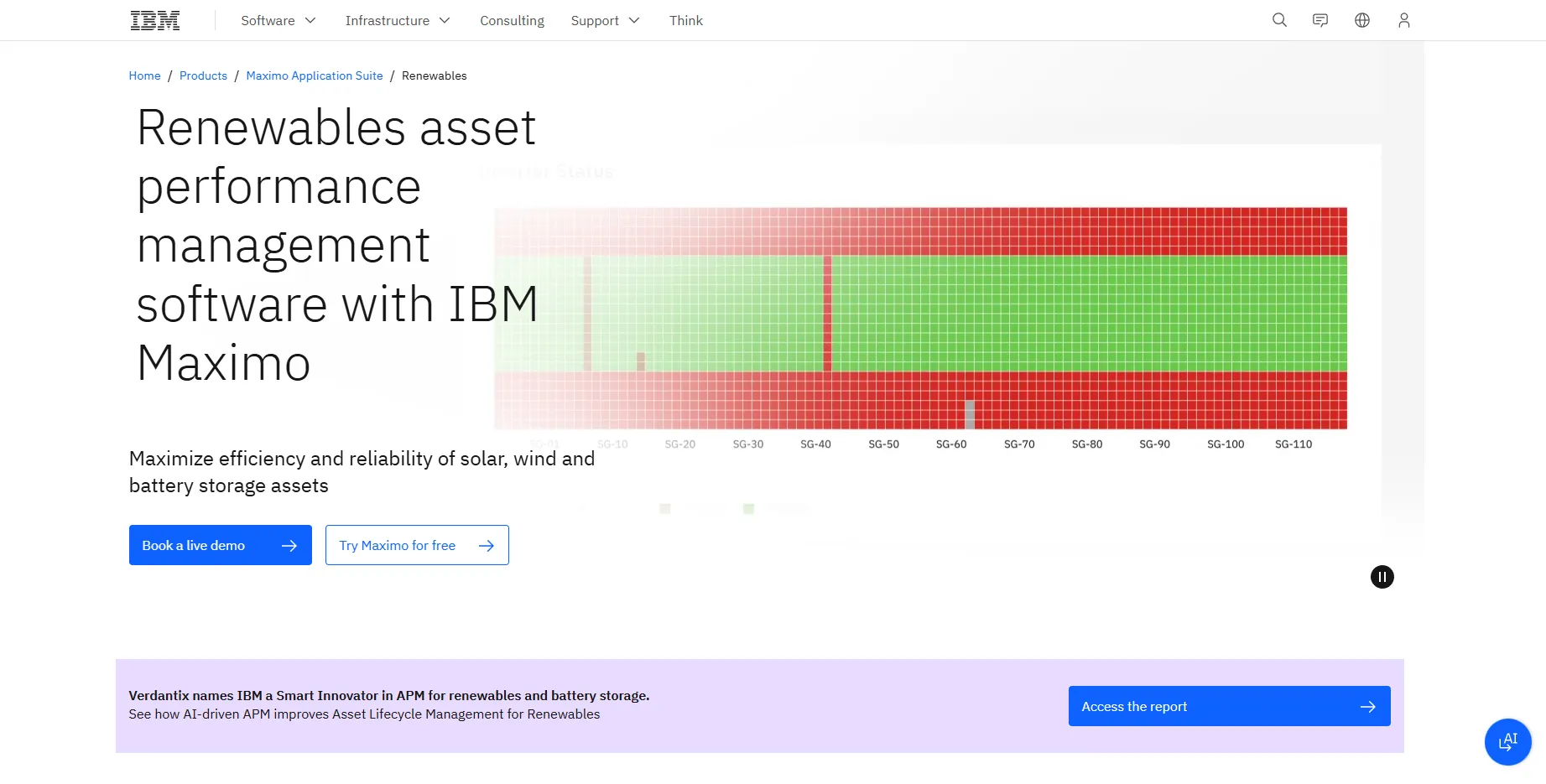
What Is IBM Maximo Renewables?
IBM Maximo Renewables is an AI-powered asset performance management (APM) application in the IBM Maximo Application Suite, built on Prescinto, a Bengaluru start-up IBM acquired in October 2024.
It covers solar, wind and battery energy storage system (BESS) assets, combining near real-time operational data with predictive maintenance analytics.
IBM Maximo Renewables pulls SCADA and datalogger data from solar plants, wind farms and battery sites into one platform, shows which assets are losing energy and why, and hands the fixes to maintenance planners.
It suits owners and O&M teams of utility-scale fleets, such as Param Renewables (6 GW) and KP Group (70+ sites in India), especially where Maximo already runs maintenance. With no public price, no free trial and IBM-led onboarding, it is not for residential installers or small operators.
Pros and Cons
Pros
- One platform for solar, wind and BESS, so mixed portfolios need no separate tools.
- Loss buckets separate fixable equipment faults from curtailment, grid and weather losses.
- Analysis and repair work stay in one system for Maximo Manage users.
- Snowflake warehouse and REST APIs keep data open to Power BI, Tableau or in-house tools.
- Drone thermography plus string analysis pinpoints defective solar modules.
- Built-in NERC GADS reports for US wind fleets and BESS warranty-claim data.
Cons
- No public price and no free trial of Renewables itself.
- IBM-led onboarding takes time: KP Group added 137 projects in three phases of 3–4 weeks.
- OPC SCADA links need a local Cormatrix service and tags mapped to Maximo standards.
- Work orders require Maximo Manage, so full value means buying more of the Maximo suite.
- Solar, wind and BESS only; no hydro.
Features
Portfolio-Wide Monitoring
View all renewable assets across multiple sites through centralized dashboards and maps.
AI-Driven Root Cause Analysis
Rank solar strings by uptime, failure rate and current, and benchmark wind turbines against warranted or site power curves.
Solar Loss Bucketing
Sort lost energy into 14 predefined buckets, including equipment downtime, weather, grid unavailability, curtailment and shading.
Drone Thermography Integration
Analyze thermal imagery to detect hotspots and weak or defective solar modules.
Automated Maintenance Workflows
Open a pre-filled work order or service request in Maximo Manage from a detected issue.
BESS Cycle Monitoring
Detect charge/discharge cycles, track cycle efficiency and flag weak battery modules.
Predictive Maintenance Analytics
Run turbine prognosis for yaw, pitch, rotor, generator and gearbox, and plan battery replacements from health trends.
IBM Maximo Renewables Pricing
IBM Maximo Renewables is sold as a quote-based enterprise subscription.
Custom Pricing: IBM does not publish a price; Renewables is not listed on the public Maximo pricing page.
Enterprise Licensing: Offered through the IBM Maximo Application Suite.
Demo Access: IBM offers a self-guided product tour, an interactive demo and live demos; its free 14-day Maximo trial covers Manage, Health and Visual Inspection rather than Renewables.
Integrations
- SCADA and IoT Systems: Pull near real-time equipment data from plant SCADA over OPC UA/DA, from dataloggers via FTP, or through APIs.
- IBM Maximo Suite: Work orders and service requests open in Maximo Manage 9.1 or later.
- GIS map view and BI tools: The built-in MapView shows assets on a 2D or 3D map, and plant data in the Snowflake data warehouse can be pulled into Power BI, Tableau, Cognos Analytics or Excel.
- REST APIs: Pull plant templates, device data and time-series readings (including BESS cycle data) into other systems with an API key.
How to Set Up IBM Maximo Renewables
- Schedule a consultation with IBM to assess portfolio requirements.
- Send IBM details of your data sources (API, FTP or other), device lists, plant metadata and tag mapping.
- Create cloud accounts and configure portfolio hierarchies.
- Connect the data sources; solar plants that send data over FTP can use the self-service onboarding tool added in June 2026.
- Configure dashboards, KPIs, and alert thresholds.
- Train operations and maintenance teams on alerts, loss analysis and work orders.
How to Use IBM Maximo Renewables
Operations teams usually start on the portfolio map, where alerts and underperforming plants stand out, then use loss analysis to see whether curtailment, grid outages, weather or equipment caused the shortfall.
Maintenance planners turn confirmed issues into work orders and send drone or field crews to suspect modules. Asset managers track longer trends and can pull the KPIs into Power BI; KP Group runs fully automated hourly Power BI reports this way.
What You Can Manage with IBM Maximo Renewables
- Renewable Asset Health: Monitor turbines, inverters, and battery systems.
- Energy Production Reporting: Compare actual output against production targets.
- Contracts and Compliance: Track wind contractual availability, produce GADS reports for US NERC compliance and keep data for BESS warranty claims.
- Operational KPIs: Track availability, downtime, string uptime and BESS cycle efficiency.
FAQs
What does IBM Maximo Renewables do?
IBM Maximo Renewables gathers near real-time data from solar, wind and battery sites, shows where and why energy is lost, flags likely failures and hands the fixes to maintenance as work orders.
Who is IBM Maximo Renewables best for?
It suits owners and O&M teams of utility-scale solar, wind and BESS portfolios, especially those already on Maximo; residential installers and small operators are a poor fit.
Is IBM Maximo Renewables free?
No. IBM sells it as a quoted subscription, and the free 14-day Maximo trial does not include Renewables.
What are the main limitations of IBM Maximo Renewables?
Onboarding is IBM-led and needs tag mapping for every plant, there is no public price or free trial, work orders require Maximo Manage, and hydro is not supported.
What are the best alternatives to IBM Maximo Renewables?
Power Factors (Unity suite) is the closest renewables APM. Schneider Electric EcoStruxure and SAP asset management platforms are other options; Siemens Insights Hub (formerly MindSphere) is a general industrial IoT platform.


