
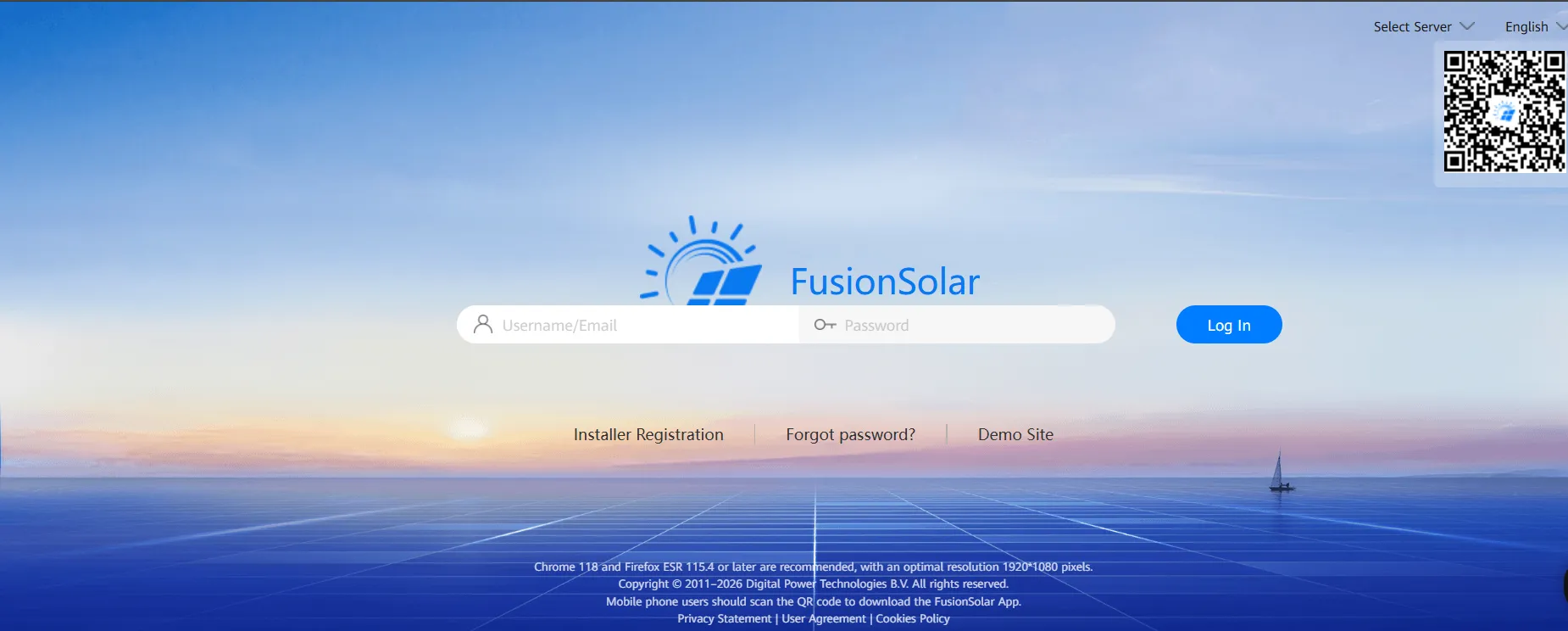
What is Huawei FusionSolar?
FusionSolar has two front ends: the mobile app and the SmartPVMS web portal, which holds more history and settings than the app. On Android the app is not in Google Play; it comes from Huawei AppGallery or as an APK from Huawei.
It suits anyone running Huawei inverters, from home rooftops to utility-scale plants, and the installers and O&M teams who look after them. It does not suit mixed-brand fleets: FusionSolar works only with Huawei inverters, so a portfolio with several brands needs a third-party platform. US buyers should also note that Huawei cut its US inverter business back to a basic team and distributor sales in 2019.
Huawei FusionSolar is the software side of the company’s solar equipment. Owners use it to see what their inverter, LUNA2000 battery and EV charger are doing and to change settings remotely; installers use the same app to commission systems. The AI battery scheduling Huawei promotes needs an extra device: the EMMA controller.
Pros and Cons
Pros
- With EMMA and a battery, solar self-consumption goes up and grid purchases go down without manual tuning
- Same platform from a home rooftop to a utility-scale plant, so a growing Huawei portfolio never has to switch monitoring tools
- Installers commission, configure and update inverters from a phone, in the same app owners use
- No subscription fee: monitoring adds nothing to running costs
Cons
- Hardware cost depends on the installer and system size, and EMMA’s smart scheduling may be charged for after its two free years
- Locks you into Huawei: smart features need more Huawei devices (EMMA, LUNA2000 battery, power sensor), and a change of inverter brand means a new monitoring platform
- App Store reviewers report occasional crashes and slow refresh, with a lag between events on site and the app display
Features
AI-Powered Energy Management
The AI features come from Huawei’s EMMA energy management assistant (renamed Smart Assistant in 2026), a separate controller that weighs weather forecasts, electricity prices and your consumption history. Dynamic tariffs work only in specific markets: Nord Pool day-ahead prices in Sweden, Denmark, Finland, Norway, the Baltic states and the Netherlands.
Real-Time Monitoring
A live dashboard shows how much energy the system is generating, storing and using, with historical data alongside. Household consumption appears only if a Huawei Smart Power Sensor (such as the DTSU666-H) or EMMA’s built-in meter is installed.
Smart Scheduling
With a Huawei LUNA2000 battery and EMMA installed, the platform automatically decides the best times to charge the battery or use stored energy, so you do not have to adjust charge schedules yourself.
All-in-One Ecosystem
Inverter, battery, EV charger and smart loads appear in one app instead of several. EMMA is designed for households and small businesses: one unit manages up to three inverters, two Huawei SCharger EV chargers, one SG Ready heat pump and 20 Shelly devices.
Advanced Inverter Technology
FusionSolar is built around Huawei’s string inverters. Utility-scale models reach a maximum efficiency of about 99% (≥99.03% for the SUN2000-330KTL-H1), while residential SUN2000-M1 models are rated at 98.2–98.6%. Beyond inverter data, the app offers module-level monitoring.
Energy Flow Visualization
A live energy-flow diagram shows power moving between panels, battery, home and grid, so you can see at a glance whether the system is exporting, charging the battery or drawing from the grid.
Automation
Beyond battery timing, EMMA can cap grid feed-in, shave demand peaks and start or stop a diesel generator automatically.
Huawei FusionSolar Pricing
Huawei does not charge a subscription for FusionSolar itself: the app is a free download and the monitoring portal comes with Huawei equipment. What you pay for is the hardware (inverter, Smart Dongle, battery and, for smart scheduling, EMMA), and that cost depends on your system size and location. Huawei says EMMA’s smart scheduling is free for two years from the trial start date and may be charged for after that.
Integrations
FusionSolar connects mainly to Huawei’s own hardware:
- Huawei SCharger EV chargers
- Huawei inverters and batteries
- SG Ready heat pumps and Shelly smart plugs and relays (via EMMA)
- Third-party monitoring platforms such as meteocontrol VCOM (via the Northbound API) and virtual power plants (via EMMA’s Modbus-TCP)
The Northbound API is set up in the web portal; meteocontrol, for example, pulls 5-minute data every 15 minutes within per-user request limits.
How to Use Huawei FusionSolar
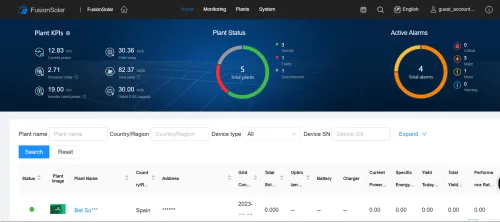
Most of the setup happens during commissioning by the installer; as an owner, you mainly log in and choose your preferences.
Install the hardware
The installer fits the panels, inverter and battery, plus a Huawei Smart Dongle (WLAN or 4G) that connects the inverter to the cloud; the WLAN version needs a 2.4 GHz network.
Connect to the FusionSolar app
Download the FusionSolar app and log in using your system credentials.
Pair devices
Scan QR codes or connect via Wi-Fi to link your inverter and devices.
Configure settings
Set preferences such as energy usage priorities and battery charging schedules.
Monitor & optimize
Once the system is live, you can track its performance in the app; with a battery (and EMMA for smart scheduling), it also manages energy use automatically.
FAQs
Is Huawei FusionSolar good for homes?
Yes, if the home has a Huawei inverter. For a home with a battery, EV charger or heat pump, adding the EMMA controller turns FusionSolar from a monitoring app into a home energy manager.
Does FusionSolar work without a battery?
Yes, but you’ll miss out on energy-storage optimization and backup-power benefits.
Can I access FusionSolar remotely?
Absolutely. The app lets you monitor and control your system from anywhere.
Is it beginner-friendly?
Yes, for basic monitoring, but advanced settings may require some learning.
Does FusionSolar reduce electricity bills?
It can. Monitoring alone does not lower your bill, but with a battery, and especially with EMMA’s AI scheduling, the system maximizes solar self-consumption and reduces grid purchases.
Can FusionSolar work during power outages?
Yes, if the inverter is paired with a battery and Huawei’s backup device (a Backup Box or SmartGuard, depending on the model), it can keep the backed-up circuits powered during a grid outage.
Does it support off-grid systems?
Yes. Huawei’s hybrid inverters can run off-grid when paired with a LUNA2000 battery and a backup device (Backup Box or SmartGuard), and the three-phase SmartGuard can also work with a diesel generator; FusionSolar is the app you use to monitor and configure that setup.


