
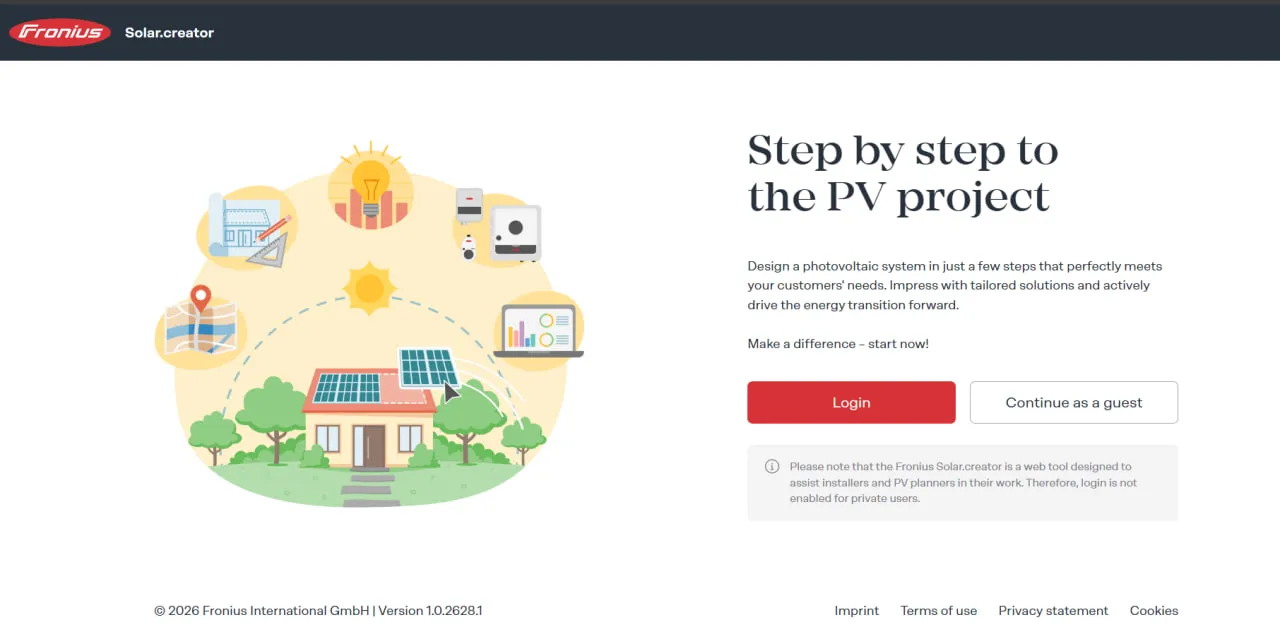
What Is Fronius Solar.creator?
Fronius Solar.creator belongs to the Solar Design Software category, but it is a configurator for one manufacturer’s hardware rather than an independent design suite. It is built and run by the Austrian inverter maker Fronius and works in the browser.
A project is built step by step: location, consumption, PV arrays, inverter, battery and other components, then results and the report. For a quick check before a full project, the Quick PV design mode shows how many modules a chosen module and inverter pair can take and suggests a storage size; since the October 2026 update, its results can be moved straight into a project.
Designs can be rooftop or ground-mount; ground-mount designs with bifacial modules can include a rear-side gain factor. Besides inverters and batteries, a project can include the Fronius Wattpilot EV charger, set up with a vehicle and charging profile, the Ohmpilot, which sends surplus PV to water or space heating, and energy management components.
Fronius Solar.creator is the free planning tool Fronius offers installers. It takes a residential or commercial job from site selection on a satellite map to the offer: string sizing, inverter and battery choice, self-consumption and payback figures, a PDF report and a bill of materials.
It suits installers and PV planners who already sell Fronius inverters. Homeowners are not the audience: Fronius does not enable login for private users. Look elsewhere if you need to compare inverter brands or run a shade study, because only Fronius inverters can be selected and shading is entered as an input value, not simulated on a 3D model.
Pros and Cons
Pros
- Free for commercial users, with no per-project or per-report charges.
- Quick PV design mode checks a module and inverter pairing before you build a full project.
- Yield estimates use Meteonorm irradiation data for the site.
- String sizing, the country approval filter and the fusing recommendation catch design errors before the offer goes out.
- One project yields the customer report, single-line diagram and bill of materials.
- Load profiles for households, businesses and farms, plus import of measured consumption.
- Plans the whole Fronius system in one place: battery, backup power, Wattpilot EV charging and Ohmpilot heating.
Cons
- No accounts for homeowners; guests can try the tool but cannot send reports.
- Only Fronius inverters can be selected, so it cannot compare inverter brands.
- No 3D shade analysis: shading is entered as a value, not simulated.
- Built-in load profiles follow German and Austrian standards; elsewhere you need measured data for realistic self-consumption figures.
Fronius Solar.creator Features
Project Management
Projects are saved in your account, where you can reopen, edit or duplicate a design and use it as the starting point for the next customer.
Yield Calculation and Forecasting
Estimates monthly and annual production for the site, after losses for shading and wiring. For wiring, a cable calculator works out losses from cable length, material and cross-section, and can choose a cross-section that keeps voltage drop under 1%.
Automated Component Suggestions
Proposes Fronius inverters that fit the chosen modules and array size and lays out the strings, with an adjustable safety margin on module short-circuit current. The report adds a fusing recommendation based on IEC 60364-7-712:2016 and, for US projects, NEC rapid shutdown notes.
Energy Consumption Analysis
Combines the customer’s consumption with a standard load profile: German H0 (household), G0–G6 (business types) and L0–L2 (agriculture), or Austrian household profiles, including ones with a heat pump or electric boiler. A measured profile can be imported as a .csv file. From this the tool calculates self-consumption, grid export and self-sufficiency.
Economic Profitability Analysis
Calculates bill savings, return on investment and payback for the customer meeting, with subsidies and operating costs (OPEX) as inputs. The report shows an amortization chart and CO2 savings.
Google Maps Integration
The visual roof planner works on a Google Maps satellite image. You draw each roof area as a rectangle, parallelogram or polygon, set pitched or flat roof and the pitch, mark the eaves so the modules line up with them, and outline obstacles to exclude. Solar.creator then places the modules and proposes a string plan.
Battery Storage Planning
Adds a battery approved for the chosen Fronius hybrid inverter, including third-party models such as BYD, and shows how it changes self-consumption and self-sufficiency. A backup power calculator checks whether the battery covers the required backup hours during a grid outage.
Professional Report Generation
Produces a PDF with the configuration, yield, consumption and financial results from a Sales, Technician or Full Report template, or one you build yourself, with an optional cover sheet carrying your company details. Each project also produces a single-line diagram and a bill of materials.
Fronius Solar.creator Pricing
Fronius Solar.creator is free for commercial users such as installers and PV planners.
Free Plan
All planning, calculation, project and reporting features are included without a subscription fee.
Trial and Demo
No trial is needed because the software is free. Commercial users get full access with a Fronius account; anyone can open the tool as a guest, but guests cannot send reports.
Usage-Based Fees
No fees per project, calculation or report are listed.
Enterprise Pricing
No enterprise plan is listed; large installation companies use the same free tool as one-person firms.
Fronius Solar.creator Integrations
Fronius Solar.web
Fronius Solar.web is the monitoring platform for Fronius systems once they are commissioned. Solar.creator pulls the installer details for the report cover sheet from Solar.web.
Google Maps
Google Maps supplies the satellite imagery for finding the site and drawing roof areas. The map loads only after you accept cookies from US providers.
Weather Databases
Irradiation data for the site comes from Meteonorm and drives the yield calculation.
PV Module Database
The module database covers many manufacturers. If a module is missing, you can create it yourself as a custom module, which goes straight into your favorites, or email the datasheet to Fronius to have it added.
Fronius Hardware Database
Holds Fronius inverters, compatible batteries, EV chargers and other Fronius components. The inverter list is filtered by approval for the project country; you can switch the filter off to see all models, but Fronius then takes no liability for the configuration.
How to Set Up Fronius Solar.creator
- Visit the official platform at creator.fronius.com.
- Create a Fronius account or sign in with an existing account.
- Set up your user profile, units, language and regional settings.
- Add the company details you want on customer reports.
- Click New Project to start your first design.
How to Use Fronius Solar.creator
1. Create a New Project
Create a project and enter a recognizable name, customer details, and other basic information.
2. Define the Project Location
Find the property on the map. The location sets the irradiation data for the yield calculation and which inverters are approved for that country.
3. Configure the PV Array
Enter orientation, tilt and module count, or draw the roof areas on the satellite map with the visual roof planner. Pick the module manufacturer and model from the database.
4. Select a Fronius Inverter
Review the Fronius inverters the tool recommends. Solar.creator checks the strings against each inverter’s voltage and current limits and warns when a module and inverter combination does not work.
5. Add Energy Storage
Add a battery if needed and compare how different capacities change self-consumption and self-sufficiency.
6. Configure the Consumption Profile
Enter the customer’s consumption and choose a standard load profile or import a measured one, so the tool can set generation against demand.
7. Review the Results
Analyze expected energy production, self-consumption, grid exports, battery performance, utility savings, and financial returns.
8. Generate the Project Report
Choose a report template, generate the PDF and send it to the customer by link or email.
What You Can Manage with Fronius Solar.creator
- PV Project Records: Keep customer details and PV designs in one account.
- Yield Forecasts: Generate monthly and annual energy production estimates.
- System Configurations: Match modules from any manufacturer in the database with Fronius inverters and compatible batteries.
- Consumption Profiles: Compare expected solar generation with customer electricity usage.
- Bills of Materials: Export the component list as PDF or CSV.
- Economic Reports: Create documents detailing projected savings, profitability, and payback periods.
- Configuration Exports: Export and import projects as .pvsc files to pass a design to a colleague or to technical support.
Fronius Solar.creator FAQs
What does Fronius Solar.creator do?
Fronius Solar.creator is a free web tool for designing PV systems around Fronius inverters. It estimates yield, sizes strings, matches batteries and other Fronius components, models self-consumption, and produces a customer report with financial results and a bill of materials.
Who is Fronius Solar.creator best for?
Installers, PV planners, engineers and energy consultants who design systems with Fronius inverters. It is not for homeowners: Fronius enables accounts only for commercial users.
Is Fronius Solar.creator free?
Yes. It is free for commercial users, with no monthly or annual subscription.
How much does Fronius Solar.creator cost?
Nothing. There is no license fee and no charge per project or report.
What are the main limitations of Fronius Solar.creator?
Only Fronius inverters can be selected, so it cannot compare brands. Shading is entered as an input value rather than simulated on a 3D model, and the built-in load profiles follow German and Austrian standards, so for other markets a measured profile imported as .csv gives more realistic self-consumption figures. Accounts are for commercial users only.
What are the best alternatives to Fronius Solar.creator?
Common manufacturer-specific alternatives include SMA Sunny Design and SolarEdge Designer. Brand-independent solar design options include HelioScope, PV*SOL, Aurora Solar, and OpenSolar.


