
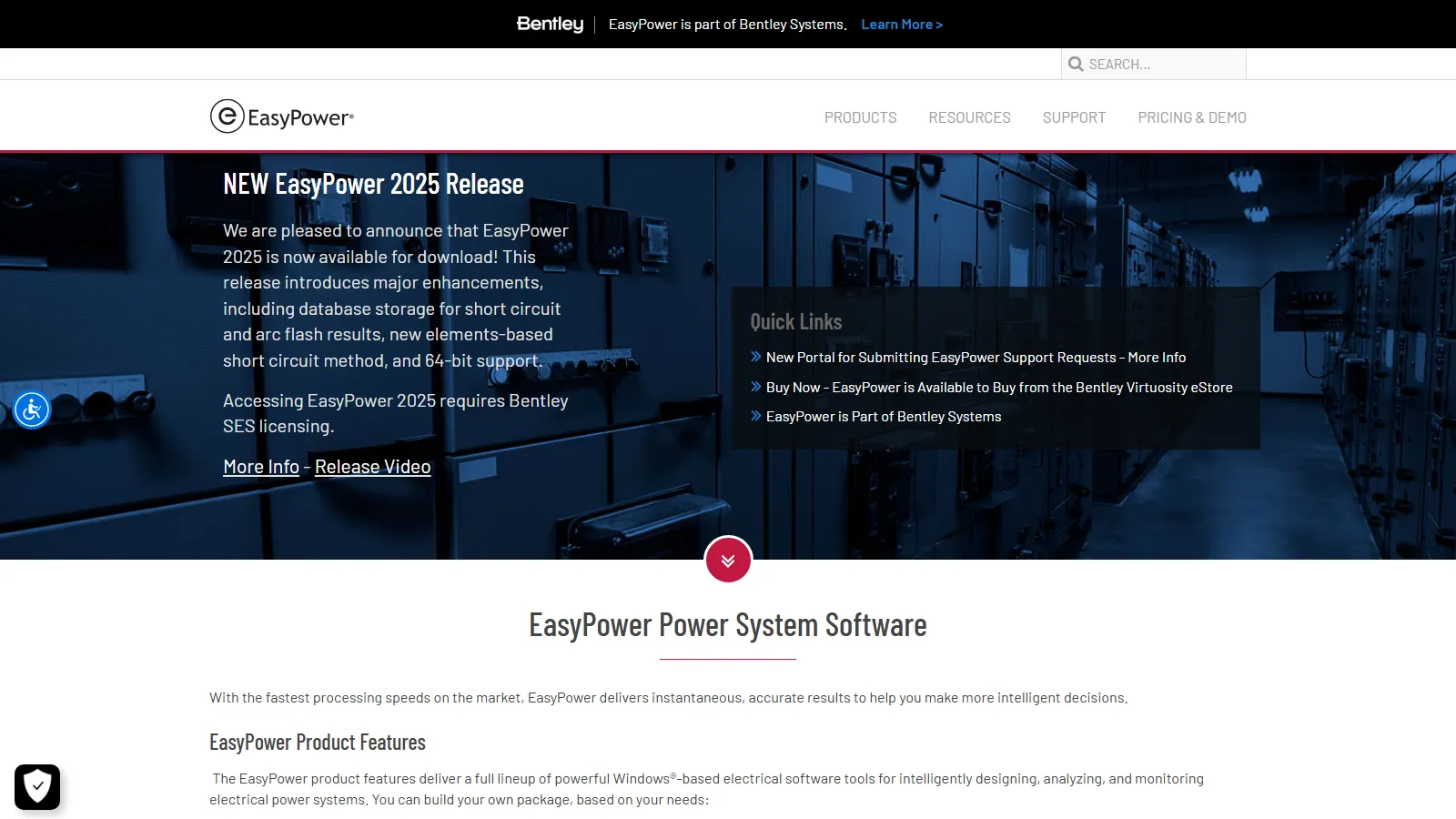
What Is EasyPower?
EasyPower, founded in Portland, Oregon, in 1984 and owned by Bentley Systems since February 2023, is used to design and maintain distribution systems at refineries, paper mills, utilities, military bases, data centers and renewable energy sites.
All studies run on the same one-line model, and the tier decides which you get: from data entry only in Base to harmonics in Advanced. EasyPower 2026, the current release, adds automatic one-line layout.
EasyPower is Windows desktop software for short-circuit, arc flash, protective device coordination and load flow studies on distribution systems. One network model produces equipment duty checks, device settings and arc flash labels.
It suits consulting engineers, plant electrical staff and utilities working to NFPA 70E, IEEE and ANSI. On solar and storage sites it handles the electrical network, with PV, batteries and inverters on the DC side, but not energy yield: there is no irradiance, shading or P50/P90 modeling, and EMT studies usually go to PowerFactory or PSCAD.
Pros and Cons
Pros
- Drag-and-drop one-line editing that new staff learn quickly.
- Instant results when switching devices or dragging TCC curves in analysis mode.
- AC and DC studies in one model, useful on PV and battery sites.
- Manufacturer libraries and SmartDesign sizing cut manual data entry.
- Bus-count licensing from 50 buses, so small systems do not pay for large-plant capacity.
- Live demos with application engineers; eStore subscriptions include training.
Cons
- Can be expensive for small firms or solo consultants.
- No public price list; most setups need a quote.
- Reliability, motor starting and dynamic stability are paid add-ons.
- Windows-only, and licensing requires a Bentley CONNECTION sign-in.
Features
Integrated one-line diagram
Three-phase, single-phase and DC equipment, PV and batteries included, in one model.
Arc flash analysis
Incident energy for AC (IEEE 1584), DC and open-air HV up to 800 kV, with custom labels.
Short circuit calculations
AC and DC equipment duty checks to ANSI/IEEE C37, IEC 60909 and the NEC.
Protection and coordination
Drag TCCs for breakers, fuses and relays, or let SmartPDC set them.
SmartDesign
NEC rule-based sizing of cables, transformers, protective devices, panels and MCCs.
ScenarioManager
Compare different operating conditions and future upgrade scenarios.
EasyPower Pricing
Price depends on tier and bus count, from 50 buses to Unlimited; Base has no bus limit. Outside the eStore, prices are by quote, with a 30-day money-back guarantee.
Base Tier: One-lines, field data collection, libraries, scenarios and SmartDesign; no studies.
Standard Tier: Short circuit, arc flash and protection coordination, without power flow.
Professional Tier: Standard plus power flow; the most common tier.
Advanced Tier: Adds harmonics and filter design, with IEEE 519, 1547 and 2800 checks.
Subscription Licenses: 12-month subscriptions from $1,165 in Bentley's online store.
Perpetual Licenses: One-time purchase; yearly SELECT maintenance adds updates and support.
Integrations
Apart from the two-way Revit link, exchange is file-based; SKM and CSV imports ease migration of existing models.
- CAD and PDF: SendCAD exports one-lines and panel/MCC schedules to DXF, and one-lines to PDF.
- Revit Integrator: Two-way transfer of equipment data and study results with Autodesk Revit.
- Microsoft Office: Reports to Excel and Word; energized work permits from Word templates.
- SCADA Systems: Import load data from SCADA export files.
- Manufacturer Libraries: Access equipment models from major manufacturers, with library updates under maintenance.
How to Set Up EasyPower
- Request a free trial or quote, or buy a subscription in Bentley's eStore.
- Download and run the EasyPower installer, which also installs Bentley’s CONNECTION Client (required for license activation since EasyPower 2024).
- Sign in to the CONNECTION Client on first launch to activate the license, then pick your feature level in the Bentley Licensing Tool.
- Configure engineering standards such as ANSI or IEC.
- Import Revit, SKM or CSV data or create new one-line diagrams.
- Load equipment data from the built-in manufacturer libraries.
How to Use EasyPower
You build the model in Database Edit focus, dragging equipment onto the one-line and picking ratings from the manufacturer libraries.
Each study runs in its own analysis focus on the same model and produces a report; arc flash labels print straight from the arc flash report.
What You Can Manage with EasyPower
- Arc Flash Safety: See how a setting change shifts incident energy and PPE level.
- System Reliability: Put a figure on downtime cost and compare redundant layouts (Reliability add-on).
- Compliance Reporting: Maintain documentation for audits and inspections.
- Power Quality: Check harmonic limits at the point of common coupling and model filters.
FAQs
What does EasyPower do?
EasyPower models AC and DC distribution networks, including PV and batteries, and runs short-circuit, arc flash, coordination, power flow and harmonics studies on them.
Who is EasyPower best for?
Electrical engineers and consultants doing arc flash, short-circuit and coordination studies for plants, data centers, utilities and solar or storage sites. It is not a PV layout or yield tool.
Is EasyPower free?
No, EasyPower is commercial software with 12-month subscriptions from $1,165, but a free, time-limited trial and live demos are available for evaluation.
What are its main limits?
It runs only on Windows, needs a Bentley sign-in for licensing, costs more as tier and bus count grow, and charges extra for motor starting, stability and reliability.
What are the best alternatives?
ETAP and SKM PowerTools do the same arc flash and coordination work; PowerFactory and PSCAD suit transmission and EMT studies; CDEGS covers grounding.


