
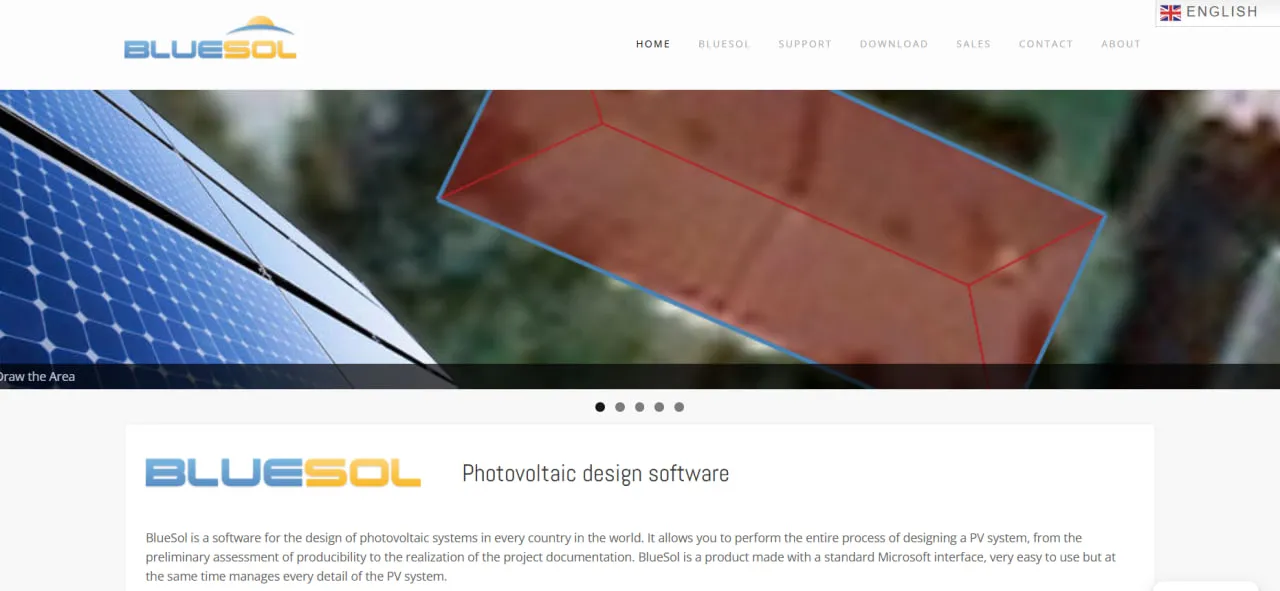
What Is BlueSol?
BlueSol is a desktop application in the Solar Design Software category from CadWare S.r.l., a Padua-based CAD developer founded in 1989. The first version shipped in Italian in 2010; the English edition, derived from BlueSol Design 2012, targets systems in any country. It handles rooftop and ground-mounted systems, grid-connected or stand-alone, with no limit on system power.
BlueSol installs on Windows 7 to 11 (on a Mac only inside a Windows virtual machine). It needs the internet to activate the license and for the live map in the design wizard; after that, projects can be edited offline, which suits designers with patchy connections or clients who keep project data out of the cloud.
BlueSol takes a photovoltaic (PV) project from the first yield estimate to the documents you hand over, in one Windows program. You lay out modules on a satellite map, run a 3D shading analysis and let the software size and check strings, inverters and cables; it then draws the single-line diagram (SLD) and writes the technical and economic reports as editable Word files.
It is aimed at installers and small engineering firms that would rather pay once than renew a cloud subscription every year, and that sometimes work without a reliable connection. The trade-offs: it runs only on Windows (a Mac needs a virtual machine), each license works on one computer, projects cannot be shared in a browser, and it does not address US NEC permit packages.
Pros and Cons
Pros
- You pay €590 once, with no yearly per-seat fee.
- Once the wizard has stored the site map, a project can be finished offline.
- SLDs are generated, edited and exported to DWG or DXF without a separate CAD license.
- One installation includes English, Italian, Polish and Portuguese, and the language can be changed after installation.
- The 15-day trial has every feature, and trial projects carry over after purchase.
- Built-in checks flag strings outside the inverter's limits and cables with excessive voltage drop.
- Radiation and shading-frequency maps show which parts of a roof or site get the most sun.
Cons
- Windows only: no browser access or shared cloud projects, and a Mac needs a Windows virtual machine.
- The user interface may feel dated and have a steeper learning curve than newer web applications.
- Slow development: no major release since 2018, and recent builds only fix bugs.
- BlueSol is not tied to any one country's regulations, and the vendor does not mention US NEC support, so US permit packages may need other tools.
- Its public community and third-party tutorial ecosystem are smaller than those of leading competitors.
BlueSol Features
3D Modeling and Shading Analysis
You draw the roof or ground areas and nearby obstacles, and BlueSol maps solar radiation and shading frequency across the arrays to estimate near-shading losses. Far shading uses a horizon profile traced from photos or imported from a Solmetric SunEye file.
Interactive Map Integration
The project location is picked on an online map, and BlueSol adjusts the radiation data to that position. Arrays are then drawn directly over the satellite view, so their orientation matches the real site.
Automatic Component Insertion
Fills a drawn area with strings while keeping the clear paths you define, then places inverters, electrical panels, batteries and cables and measures the cable lengths. Microinverter designs are supported.
Integrated CAD Module
The single-line diagram is generated from the layout and edited in a built-in CAD editor based on CadWare's own BlueCAD 2.0; objects you add by hand survive regeneration. For standard documentation this can remove the need for a separate AutoCAD license.
Financial Analysis and Reporting
Builds a yearly profitability table (feed-in, energy-sale or net-metering revenue, bill savings, taxes, depreciation, loan payments) that ends in cash flow, cumulative cash flow and NPV; tax credits such as the US ITC are not modeled. Reports are editable Word documents from customizable templates, and the program runs in English, Italian, Polish or Portuguese.
Component Database
CadWare supplies updates for the archives of PV modules, inverters, batteries and inverter-chargers. You can edit any entry or add your own for regional or less common hardware, and export your entries to another BlueSol installation.
Storage System Design
Covers grid-connected systems with AC- or DC-coupled batteries and stand-alone systems with inverter-chargers; for stand-alone designs BlueSol reports consumption coverage and days of autonomy.
Electrical Verification
Checks each inverter against its strings: voltage within the MPP range, string voltage at the module's minimum operating temperature below the inverter's maximum, short-circuit current below its input limit, and the power sizing factor within the project limits. Cables are checked for voltage drop and capacity, and other components against their own limits.
BlueSol Pricing
CadWare sells BlueSol only as a download, paid through PayPal (a credit card works without a PayPal account). One license runs on one computer and can be moved to another at most once a month.
Free Trial
The standard installer runs for 15 days with every feature enabled: click “Run trial” instead of entering a key. Trial projects stay usable after you buy. Test thoroughly first, because CadWare excludes the right of withdrawal on purchases.
Lifetime License
BlueSol Design 4 costs €590 (about $650) excluding tax, paid once for a lifetime license to that version. Buyers outside the EU pay no VAT.
Long-Term Cost
A cloud subscription can cost more than BlueSol in its first year: HelioScope lists $1,620 to $2,640 per license per year on annual billing, so over three to five years the gap reaches several thousand dollars per seat.
Software Updates
The license covers the version you buy; a new major release would be an optional paid upgrade. None has appeared since BlueSol Design 4 in May 2018, and the July 2025 builds only fixed a geocoding error.
BlueSol Integrations
BlueSol exchanges data through files and imports, not through live connections to other software.
CAD Integrations
Layouts export to DWG or as images, and single-line diagrams to DWG and DXF, for further editing in other CAD programs. DWG drawings can also be imported into the layout.
Spreadsheet Data Export
The summary tables of the economic analysis export to XLS for use in Excel or other spreadsheets.
Map Imagery
Site imagery comes from several online map providers. After the wizard, a static image of the site is saved with the project, so the layout can be edited offline.
Weather Data
The climate archive holds NASA-SSE monthly averages for about 1,400 locations worldwide plus ENEA and UNI 10349 data for Italy; irradiance can also be imported from PVGIS or entered by hand.
How to Set Up BlueSol
- Download the installer from the BlueSol website; the same installation serves as the 15-day trial and the full version.
- Install it on Windows 7 to 11 (4 GB of RAM minimum) or in a Windows virtual machine on a Mac.
- Launch BlueSol and click “Run trial”, or activate your license key online or by email.
- In the application settings, choose the interface language and enter your designer details, which new projects then inherit.
- Update the component database to access the latest PV module and inverter specifications.
- Set the defaults for new projects: verification limits, losses, design parameters and economic settings.
How to Use BlueSol
A new project starts in the wizard: choose the system type, locate the site on the live map, enter the client's electricity consumption, size any batteries, pick a PV module, draw the placement areas and arrange the modules. The wizard then sizes the inverters, the DC and AC panels and the electrical components.
After the wizard you refine the layout: add shading obstacles such as chimneys, trees and nearby buildings, adjust the devices and cables the program placed, and check shadows and radiation on each area in the 3D view.
BlueSol then runs its electrical verifications and flags any inverter, cable, battery or component outside its limits. You fix problems in the system scheme or the layout, switching between 2D and 3D views as needed.
Finally, BlueSol generates the single-line diagram, the technical and economic reports, and bills of cables and electrical components, ready for the client, the installation crew or the permitting authority.
What You Can Manage with BlueSol
- 3D System Layouts: Rooftop and ground-mounted arrays over the site map, in 2D and 3D.
- Single-Line Diagrams: Editable schematics for permitting and construction, exportable to DWG and DXF.
- Energy Yield Reports: Expected production per system section, with far- and near-shading losses and self-consumption.
- Shading Maps: Visualize when and where shadows affect photovoltaic system performance.
- Financial Projections: Cash flow, NPV and payback for clients and lenders.
- Technical Documentation: Word reports, bills of cables and electrical components, and module and inverter data sheets.
BlueSol FAQs
What does BlueSol do?
BlueSol designs a photovoltaic system from start to finish on a Windows PC: layout on a map, 3D shading analysis, energy simulation, electrical checks, the single-line diagram and the technical and economic reports.
Who is BlueSol best for?
BlueSol suits independent designers, installers and small to mid-size engineering firms that want design-to-documentation software for a one-time fee and sometimes work offline. It is a weaker choice for Mac-only teams, for teams that share projects in a browser, and for US designers who need NEC-based permit packages.
Is BlueSol free?
No. BlueSol runs free for 15 days with all features, and after that you need a paid license to keep using it.
How much does BlueSol cost?
A lifetime license for BlueSol Design 4 costs €590 (about $650) plus VAT where it applies. You pay once, with no subscription; only a future major version would cost extra, and only if you choose to upgrade.
What are the main limitations of BlueSol?
It runs only on Windows, one license works on one computer, and there is no cloud collaboration. There has been no major release since 2018, the economic analysis does not model tax credits, and US NEC permit packages need other tools.
What are the best alternatives to BlueSol?
Common BlueSol alternatives include Aurora Solar and HelioScope for users who prefer cloud-based subscriptions and browser access. PVsyst and PV*SOL are desktop alternatives for detailed photovoltaic design and simulation.


