
What Is Airtable?
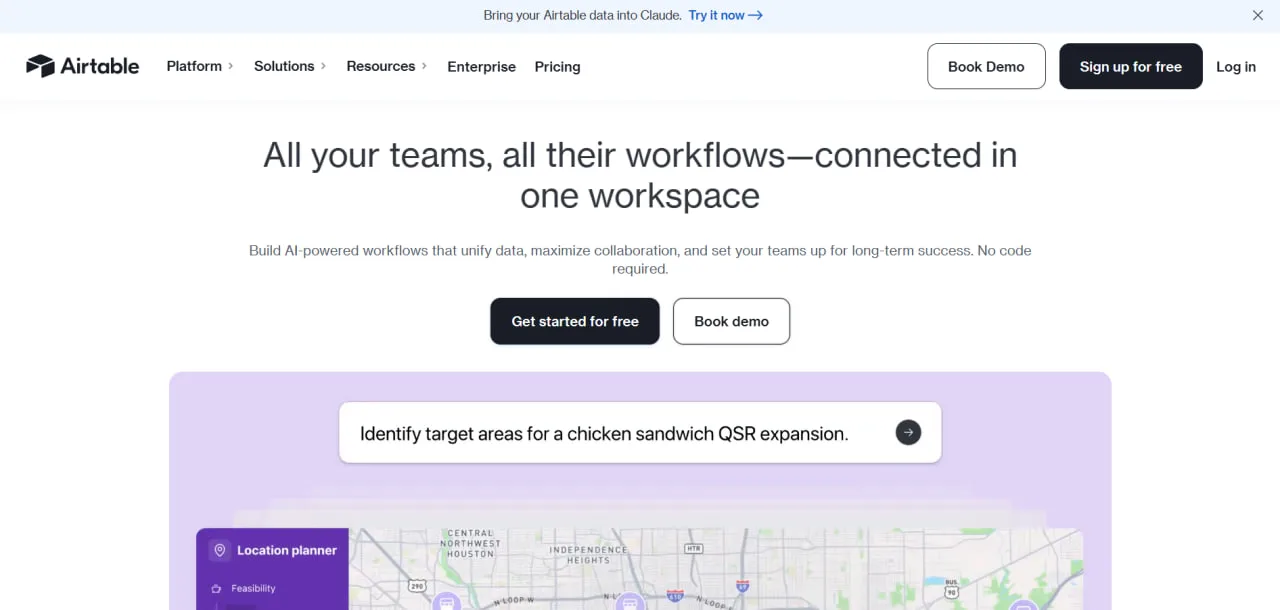
Airtable is a cloud-based no-code platform for building databases and simple internal apps. It looks like a spreadsheet, but records in one table link to records in another, and automations, forms and dashboards run on the same data. The San Francisco company was founded in 2012 and was bought by Bending Spoons in a $1.28 billion all-cash deal completed in September 2026. In October, Business Insider reported layoffs of a large part of the Airtable team, which adds roadmap risk for anyone planning to run projects on it for years.
Solar developers and EPC companies commonly use Airtable for:
- Project management
- Site selection tracking
- Permit management
- Construction scheduling
- Inventory management
- Asset tracking
Pros and Cons
Pros
- Project teams build site, permit and equipment trackers without developers
- Linked records keep sites, permits and contractors consistent across tables
- Interface dashboards give managers a status view without touching the raw tables
- Automations handle reminders, task assignments and Slack or Teams alerts
- AI Field Agents pull line items and specs from PDFs into records
- Read-only viewers, form submissions and share links are free
Cons
- Every editor is a paid seat, so costs scale with team size
- No solar templates, so someone has to learn to design and maintain the schema
- Hard record caps per base: 50,000 on Team, 125,000 on Business
- Mobile app has limited functionality
- Native analytics are relatively basic
- Roadmap risk after the 2026 sale to Bending Spoons and staff cuts
Airtable Features
Relational Database Engine
Linked records connect tables, so a contractor or a permit is stored once and every project that references it shows the current details.
- Link project sites to contractors
- Connect permits to milestones
- Track equipment across warehouses
Customizable Views
Each view is a different layout of the same records, so a permit tracker can be a Kanban board for the permitting lead and a calendar for the site crew.
- Grid View
- Kanban View
- Calendar View
- Gallery View
- Gantt View (Team plan and above)
Automated Workflows
Automations fire when a record is created, updated or enters a view, when a form is submitted or on a schedule, and then send messages, create or update records, or run a script.
- Slack alerts
- Automatic task assignments
- Permit approval notifications
- Deadline reminders
Interface Designer
Interface Designer builds role-specific dashboards and screens on top of the base, so a project manager can follow milestone and permit status without opening the underlying tables.
Airtable AI and Agents
Omni, Airtable's AI assistant, builds tables, interfaces and automations from plain-language requests and answers questions about the data. Field Agents fill fields automatically, for example by extracting line items, costs and specs from PDF quotes or datasheets. Usage is metered in AI credits: 500 per editor per month on the Free plan and 15,000 per paid seat on Team.
HyperDB
HyperDB, available on the Enterprise Scale plan, supports tables of up to 100 million records synced from systems such as Snowflake. It is not available to customers with European data residency enabled.
Collaborative Workspace
Several people can edit a base at once, comment on records and work under permissions that separate editors from read-only viewers. Revision history goes back two weeks on the Free plan and three years on Enterprise Scale.
Airtable Pricing
Free Plan
Unlimited bases, up to 5 editors
1,000 records per base
1 GB attachment storage per base
100 automation runs per month
Team Plan
Pricing starts at $20 per user/month when billed annually ($24 billed monthly). Only users with edit rights are billed; read-only collaborators, form submissions and share links are free, which keeps costs down when you share status with clients or subcontractors.
50,000 records per base
25,000 automation runs per month
Gantt and timeline views
Business Plan
Pricing starts at $45 per user/month when billed annually ($54 billed monthly).
125,000 records per base
100 GB attachment storage per base
Admin panel and two-way sync
Enterprise Scale
Pricing is quoted by sales. The plan raises the limits to 500,000 records and 1 TB of attachments per base and 1,000,000 automation runs per month, and includes SAML/SSO, priority support and a dedicated customer success manager.
Airtable Integrations
Communication and Productivity
- Slack
- Microsoft Teams (paid plans)
- Gmail
- Google Calendar
File Storage and Management
- Google Drive
- Dropbox
- Box
CRM and Development Tools
- Jira
- Salesforce
- Zendesk
Marketing and Analytics
- HubSpot (through HubSpot's own Workflows and Data Sync tools, not a native Airtable connector)
- Tableau
- Facebook Lead Ads (through Zapier or Make)
Automation Platforms
- Zapier
- Make
API and Developer Tools
Anything the connectors above don't cover, such as an ERP or a monitoring platform, has to be wired up through the REST API, webhooks or JavaScript scripts, which takes developer time. The "Run a script" automation action is not available on the Free plan.
How to Set Up Airtable
- Create an Airtable account and workspace.
- Build tables for Sites, Projects, Contacts, and Permits.
- Connect tables using Linked Records.
- Import spreadsheets or CSV files.
- Create custom views like Kanban or Gantt.
- Configure workflow automations.
- Build dashboards using Interface Designer.
How to Use Airtable
Project managers work from an interface dashboard that shows each installation's stage, open permits and overdue milestones.
Field technicians can upload survey images and update project records directly from mobile devices.
Operations teams filter records to find assets due for maintenance, permits still awaiting approval and projects running over budget.
What You Can Manage with Airtable
- Site Selection — GIS data, surveys, and land ownership tracking
- Project Timelines — EPC milestones and deadlines
- Inventory and Assets — Modules, inverters and other equipment by warehouse and site
- Vendors and Contractors — Contracts and supplier management
- Permits and Compliance — Regulatory approval tracking
- Automated Reports — Budget and project health monitoring
FAQs
What does Airtable do?
Airtable lets a team build its own linked database, with views, automations and dashboards, without writing code. Solar EPCs and developers use it to track sites, permits, contractors and equipment in one place instead of scattered spreadsheets.
Who is Airtable best for?
It fits solar developers and EPC teams that have outgrown spreadsheets and can spare someone to design and maintain the base. Teams that need PV design, yield modeling or inverter monitoring out of the box should choose dedicated solar software instead.
Is Airtable free?
Yes. The Free plan allows up to 5 editors, 1,000 records per base and 100 automation runs per month, enough to pilot one tracker before paying for seats.
How much does Airtable cost?
Team costs $20 and Business $45 per user/month billed annually ($24 and $54 billed monthly). Enterprise Scale is priced on request.
What are the main limitations of Airtable?
Every editor is a paid seat, so costs grow with the team, and each base has a hard record cap: 1,000 on Free, 50,000 on Team, 125,000 on Business and 500,000 on Enterprise Scale, with only HyperDB going beyond that. Airtable also has nothing solar-specific, so your team builds the schema and any links to design or monitoring tools itself.
What are the best alternatives to Airtable?
- Sitetracker
- Scoop Solar
- Smartsheet
- Monday.com
- Notion
- SmartSuite
- NocoDB


